logo
AI Effect
HomeEffect CenterPricingBlog

AI Hug Generator

Most people don't have a photo of two specific people hugging. They have one photo of this person and another photo of that person, taken at different times, in different places. This AI hug generator is built around exactly that situation. You upload two separate portraits, and the tool produces a short video of those two people sharing a hug. No video footage required, no editing software, no matching backgrounds. Just the two photos.

Create Your Video

How It Works

Upload your photos

Start with one portrait per person, or a single image where both people are already in the same shot. Both work fine. Once the photos are loaded, the AI reads each face, figures out the positions, and composites them into a shared scene. If the images came from completely different sources, that alignment happens automatically.

AI generates the hug animation

The system calculates where the arms would naturally go, how the bodies would lean, what the physical contact would look like given the angles and spacing in your source photos.

Download your clip

The export has no watermark, so there's nothing to clean up before sharing it.

Two photos from different places, different times

This is the core use case the ai hugging generator is designed for. You don't need both people in the same room or the same photo album. One portrait per person is enough. The AI does the compositing itself, which is the step that usually stops people when they try to do this manually.

Or one photo with both people

If you do happen to have a photo of both subjects together, just upload it directly. The tool skips the compositing step and works from the existing frame. Whichever input you start with, the output is the same kind of clip.

The motion is calculated from your actual photos

Not every face is at the same angle, and not every portrait is shot from the same distance. The hug animation adapts to what's actually in the images — how far apart the faces are, which way they're angled, what a natural arm reach would look like from those positions. It reads the geometry of your specific photos and works from there.

Your subjects look like themselves in the output

The faces, hair, and clothing in the source photos carry into the generated video. The people in the clip look like the people you uploaded.

When the two people have never been in the same photo

A daughter in Canada and her father still in Vietnam. A close friend who moved abroad two years ago. The ai hug video generator is most commonly used for exactly these situations — people who want a moment that looks shared, even though the photos were taken worlds apart. You don't need a reunion to have a clip that looks like one.

Hugging a younger version of yourself

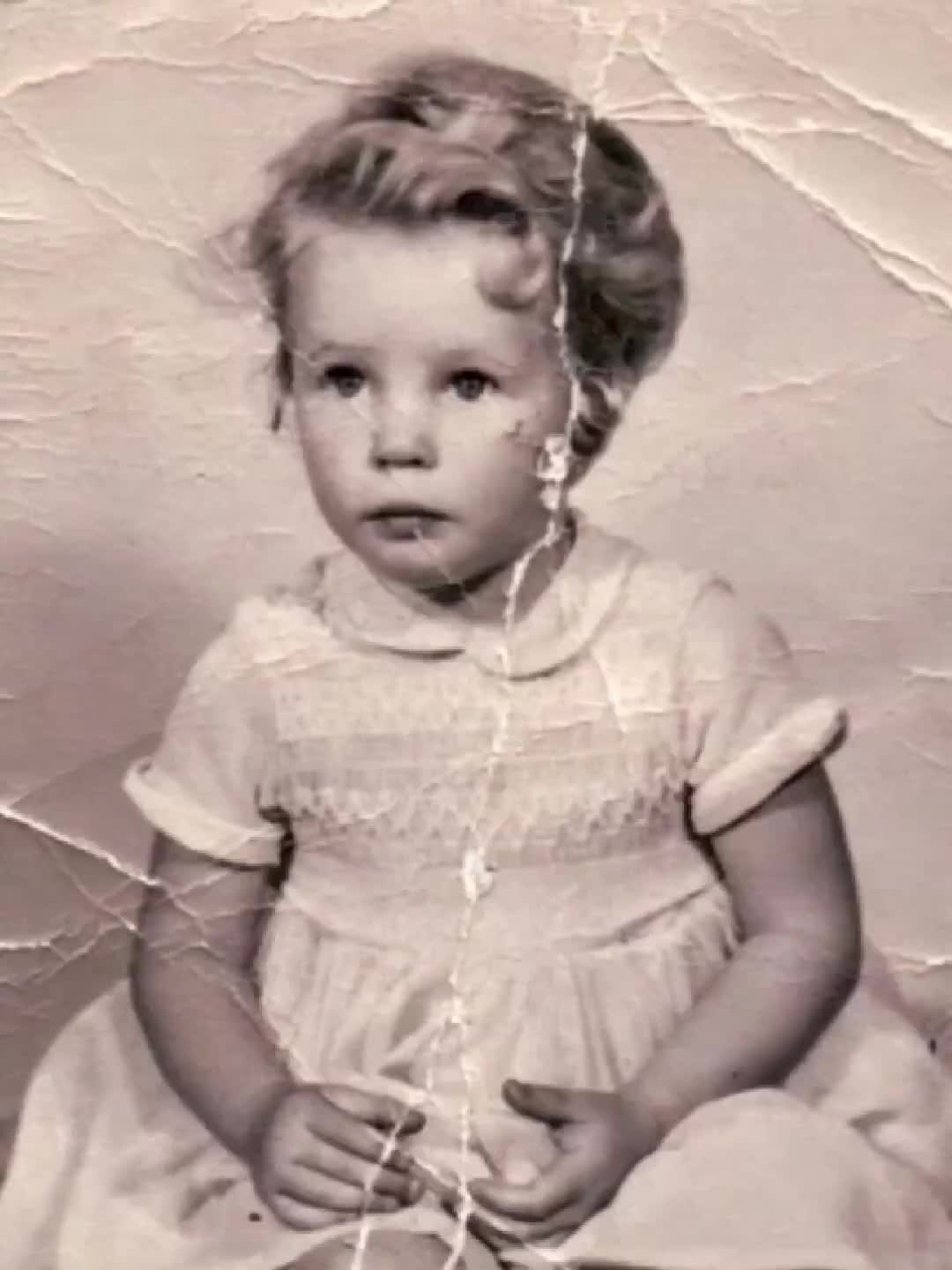
This has become its own distinct use case. You take a photo of yourself now and one from ten or fifteen years ago, upload both, and the tool generates a hug between the two versions. The hug my younger self ai generator workflow shows up in milestone posts, personal anniversaries, and memorial content — situations where the pairing between past and present carries the meaning, not just the output.

Remembering someone

A current photo combined with an older one of someone who has passed. The tool doesn't know the context, but the result — two people in a hug — tends to mean a great deal when the second photo is of someone you've lost. People use this around loss anniversaries, for family tribute posts, or just to have something that feels more alive than a still image.

A clip between friends who've never gotten a photo together

Two people who've been close for years but somehow never ended up in the same frame. They swap portraits, someone runs them through the ai hugging generator, and the clip gets shared back over the same thread. It's a small thing, but it tends to land.

Building a sequence with both hug and kiss

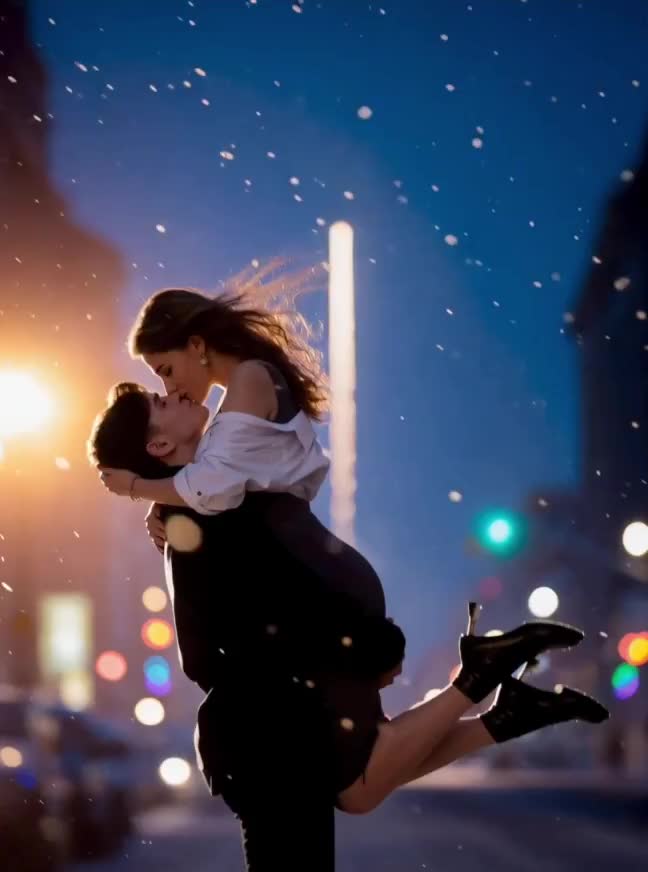
Some people use the ai hug and kiss generator approach to produce two clips from the same portrait pair — a hug animation followed by a kiss animation. Because both effects start from photos rather than footage, you can create the whole sequence without filming anything.

Two separate portraits

When you upload two separate portraits, the AI starts with a compositing step. It reads the scale, angle, and face position in each image and places the subjects into a shared scene before any animation begins. This takes slightly longer than working from a combined photo, but the output quality is the same either way.

Both people in one photo

When both people are already in one photo, that step is skipped. The model works from the existing frame, which is a bit faster. Photos where the subjects are already standing close together tend to give cleaner results, since there's less spatial adjustment for the model to make.

Best practices for photo input

For the generate ai hug video workflow, front-facing photos with the upper body visible work best. The AI handles reasonable angle variation — a slight turn of the head, for instance, is fine. But if a face is nearly in profile or the image is very poorly lit, the motion can look less natural. Most phone photos taken in daylight or normal indoor lighting are well within the usable range.

Equipment and resolution

You don't need a high-resolution image or a professional shot. A photo from a family dinner or someone's birthday is typically good enough.

The straightforward answer: this tool works from photos, not from video clips. That matters because most people don't have footage of the two specific people they want to see hugging. They have photos. Building the entire workflow around still images, rather than treating them as a fallback, is what makes the best ai hug video generator comparisons worth paying attention to. It's not just about output quality — it's about whether the tool fits the situation you're actually starting from. The two-photo input mode is less common than it sounds. A lot of tools in this space require both subjects to appear in the same source image. Supporting separate portraits and handling the compositing automatically is what makes this workflow usable for the majority of real cases, where a combined photo simply doesn't exist. After the download, there's nothing left to do. The clip comes out clean and ready to share.

Can I use photos of two people who have never been photographed together?

That's exactly what the tool is built for. Upload one portrait per person and the AI composites them and generates the hug. The photos don't need to match in lighting, background, or image quality — those differences get resolved in the alignment step.

What is the hug my younger self use case?

You upload two photos of yourself — one recent, one from years back. The hug my younger self ai generator treats both as separate subjects and produces a hug between the two versions. It gets used for personal milestones, memorial posts, and anniversary content where the contrast between the two images is the point.

Can I generate a kiss video from the same photos?

Yes. The ai hug and kiss generator covers both effects. You can run the same two portraits through the hug generator and the kiss generator separately, which works well if you want to produce a short sequence from a single pair of images.

What image formats does the tool accept?

JPG and PNG. Face visibility matters more than resolution. A standard phone photo in decent light is almost always sufficient — you don't need a large file or a high-quality camera.

How long is the output video?

A few seconds. Long enough to show the hug clearly, short enough to drop straight into a message or a social post without any editing.

Does it work when the two photos have very different backgrounds?

Yes. The compositing step focuses on the subjects. The surrounding background in each photo doesn't carry into the animation or cause problems with how the output looks.

What if one photo is old and not very sharp?

As long as the face is clearly visible, older or lower-resolution photos work fine. Very heavy blur or a near-profile angle will reduce how clean the output looks, but most scanned prints or older phone photos pass the threshold without any issue.

Two photos are enough to get started.

Upload them and the AI handles the compositing, the animation, and the export — you just download the clip when it's ready.

Create Your Hug Video