logo
AI Effect
HomeEffect CenterPricingBlog

AI Kissing Video Generator

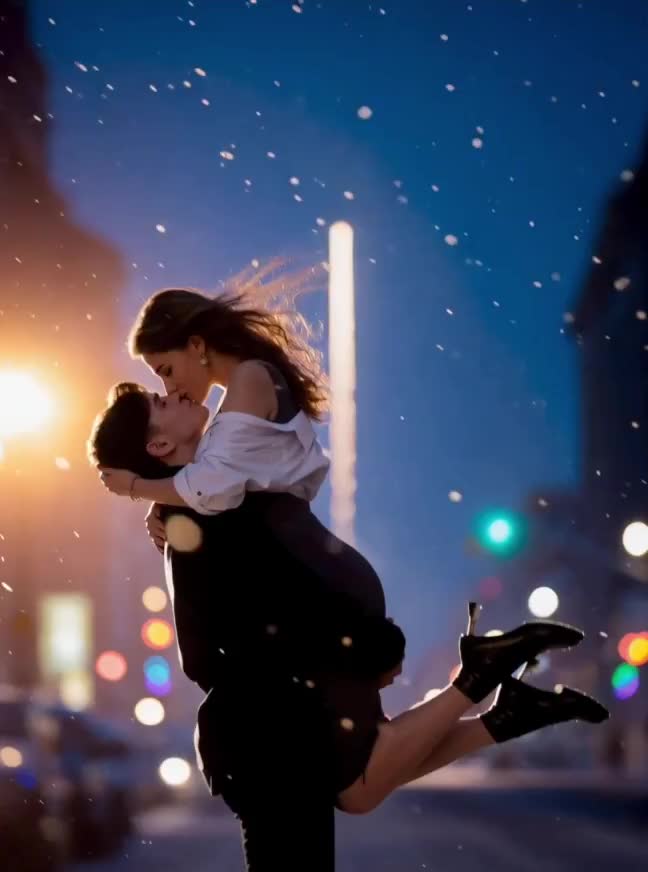
Most people have photos. What they don't have is a way to make those photos move. Our AI kissing video generator takes a couple photo — or two separate portraits of different people — and produces a short kissing animation you can actually watch and share. No editing software, no video clips, no technical setup. You bring the photos; the tool figures out the rest.

Create Your Kiss Video

How It Works

Upload Your Photo(s)

You start by uploading either a single photo where two people appear together, or two individual portraits if the people aren't in the same picture. Both inputs work; the AI handles the difference automatically.

Pick a Kiss Style

Once your photo is loaded, you pick a kiss style. There are three: a standard kiss, a lip kiss, and a french kiss. The choice changes the animation noticeably, so it's worth spending a second on it rather than just going with the default.

Generate and Download

The generation runs in the background. Facial positions are detected, the subjects are aligned, and the animation is rendered — typically within a few seconds. When it's done, you download the clip directly. The exported file has no watermark, so it's ready to use as-is.

It works from photos, not video clips

This is the part that surprises most people. You don't need existing footage. The ai kiss video generator takes still images and synthesizes movement from scratch, which makes it useful in situations where recording video wasn't possible or practical.

Two faces, two input options

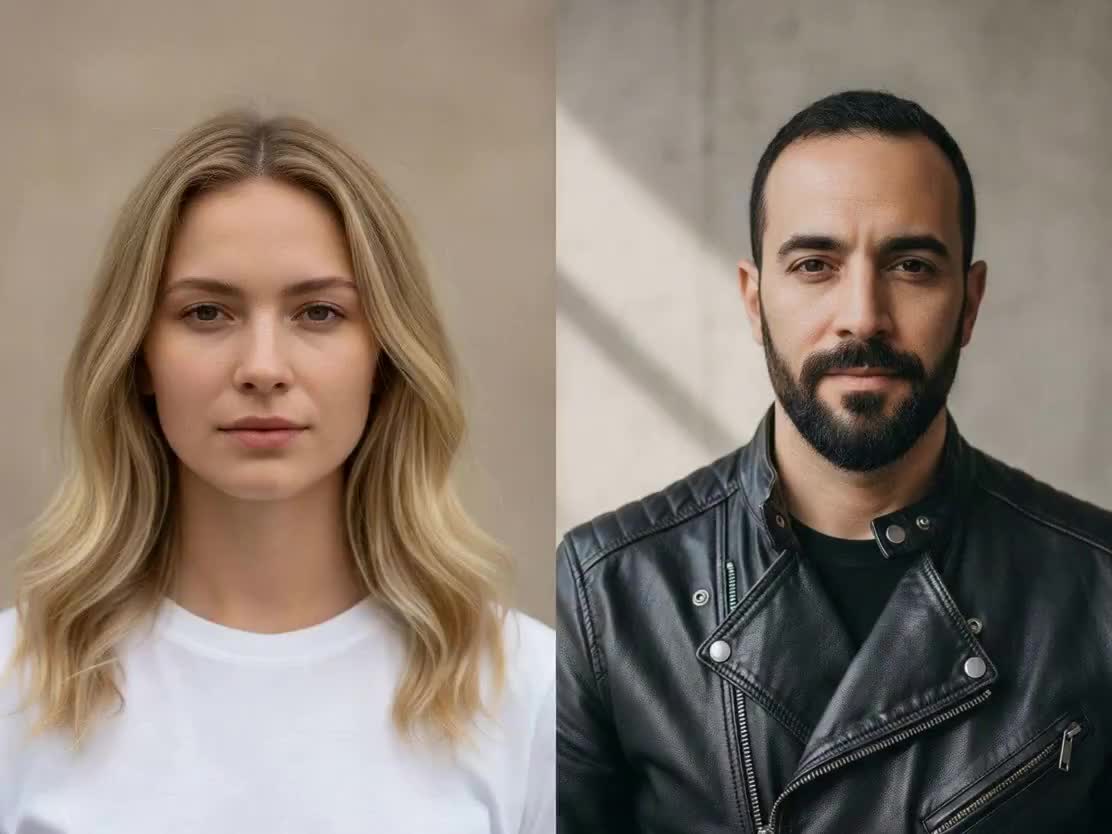
If both people appear in the same photo, upload it as-is. If you only have separate photos of each person, that works too — the AI composites them and proceeds from there. Either way gets you to the same output. This flexibility is what makes the ai photo kissing video generator workflow more practical than it might initially seem.

Three kiss styles with real differences

Standard kiss, lip kiss, and french kiss each produce a visually distinct animation. The french kiss variant in particular has a noticeably different character — more movement, longer duration. You can try more than one style on the same photo pair if you're not sure which fits.

Consistent output across photo types

Clear frontal portraits work best, but the model handles a reasonable range of lighting conditions, angles, and resolutions. A photo taken on a phone in decent light is generally sufficient.

No watermark on the export

The downloaded file is clean. There's no overlay to remove, and no extra steps between getting your clip and using it somewhere.

Sending something personal to someone far away

A lot of couples have photos together but no way to turn those photos into something that feels alive. Someone in a long-distance relationship might take a favourite photo from a trip they took together, run it through the generator, and send the result instead of a plain image. It's a small thing, but it lands differently.

Making something for an anniversary or birthday

Rather than sending a card, some people use the ai couple kissing video generator to create a short clip from an old photo — a photo from the first year they were together, for example, or from a trip they haven't thought about in a while. It doesn't take long to make, but it feels more considered than a stock image.

A french kiss scene for a creative project

The french kiss style is genuinely more expressive than the standard option. People making short video content — anything from a themed TikTok to a custom clip for a private event — sometimes need this kind of animation and don't have a way to capture it on camera. That's a reasonable use case for this style.

Combining two separate photos for something unexpected

Two people who aren't in the same photo can still end up in the same kissing video. Each person uploads their own portrait, the tool composites them, and the result looks like they were in the same frame to begin with. Works well for playful content between friends.

The AI kissing video generator is designed around a few distinct photo situations, and it handles each differently under the hood. When both people are already in one photo, face detection runs on the existing frame and the animation is built from there. When two separate photos are uploaded, the model has to align the faces first before it can render anything — this takes slightly longer but produces the same kind of output. Photos where the subjects are already physically close together tend to give better results. The ai hug and kiss video generator use case is a good example: if the source photo already shows two people with their faces near each other, the AI has less spatial correction to perform and the output tends to be cleaner. For the ai french kiss video generator style specifically, having clear frontal faces makes a visible difference. The french kiss animation involves more facial detail than the standard version, so the more clearly both faces are visible in the source photo, the better. The ai lip kiss video generator style sits between the two in terms of subtlety. It works well with portrait-style photos that show clear facial detail even if the subjects aren't particularly close in the frame. Regular smartphone photos are fine for any of these. You don't need studio shots.

There are a few things about this tool that separate it from general AI video generators. It starts from still images. Most tools in this category expect you to provide video footage as input. This one doesn't. If you have a photo but no video, this is one of the few places you can actually generate ai kissing video content without needing to film anything first. It handles both input modes without requiring you to prepare anything. If you have two people in one photo, great. If you only have separate photos, that works too. You don't need to crop images, adjust sizes, or align faces manually before uploading. The style options are genuinely different from each other. Choosing between standard kiss, lip kiss, and french kiss isn't just cosmetic — it changes the animation meaningfully. If you're looking for the best ai kissing video generator for a specific style, having all three options in one place is more practical than switching between tools. And the output is clean. No overlay, no branding embedded in the clip. What you download is what you share.

Can I use two photos of different people who were never photographed together?

Yes, that's one of the main ways people use this tool. You upload one photo per person, and the AI aligns and composites them before running the animation. The result looks like a single scene. It's the standard workflow for the ai image to kissing video generator use case, and it works reasonably well as long as both faces are clearly visible in their respective photos.

What's the difference between the kiss styles?

The standard kiss is subtle and brief. The lip kiss has a bit more contact and duration. The french kiss option — which is what people are usually looking for when they search for an ai french kiss video generator — is the most expressive of the three: longer, with more visible movement. They're meaningfully different, not just variations of the same thing.

What photo formats are accepted?

JPG and PNG both work. Resolution matters less than face visibility — a reasonably sharp smartphone photo is almost always sufficient.

How long is the output clip?

A few seconds, typically. The clips are short by design, which makes them easy to share in messages, post to a story, or drop into a video project as a clip.

Does it work if the two people are hugging in the photo?

Photos where the subjects are already close together often produce better results, actually. The ai hug and kiss video generator approach works well here — the closer the faces are in the source image, the less the AI needs to adjust before generating the animation.

Do I need two photos, or can one portrait work?

Two faces are required. You can provide them in one photo or as two separate uploads, but the tool can't generate a kissing animation from a single portrait.

Is the french kiss style different from the standard one?

Meaningfully so. The deep kiss ai video generator style (labeled as "french kiss" in the interface) involves more visible facial animation and runs longer. If that's what you're after, it's worth selecting explicitly rather than using the default.

Make a Moment That Never Happened

Turn any photo into a kissing video you can watch and share.

Create Your Kiss Video