Motion Control: Make Any Character Move Like the Real Thing
What people make with it
One character, any movement — borrowed from any video you upload.
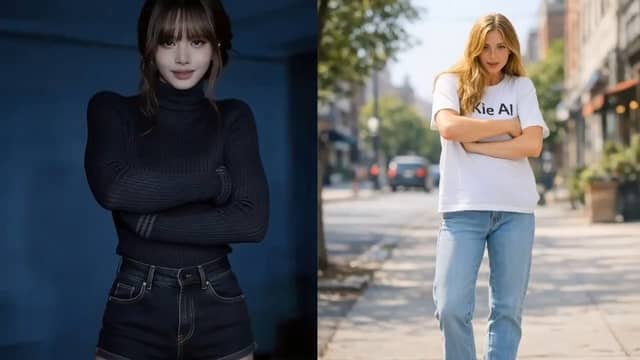
Recreate any trend, no filming
Grab a viral dance or gesture and put your own character in it. No camera, no choreography — just a photo and a reference clip.
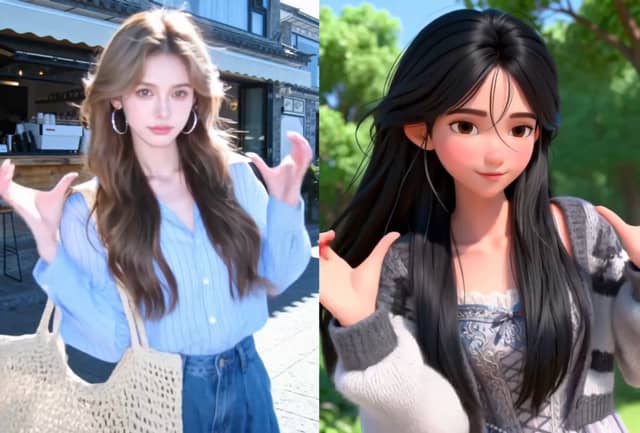
Drive avatars with real performance
Animate a VTuber model or virtual influencer using real human movement and expression, then drop it straight into your content.
Bring products and mascots to life
Make a virtual model walk to show off an outfit, or have a brand mascot wave and pitch — without a shoot or an animation team.
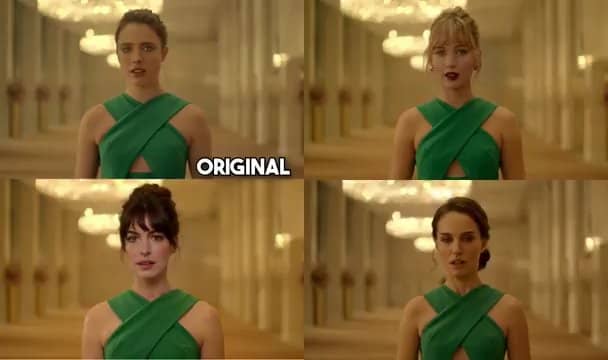
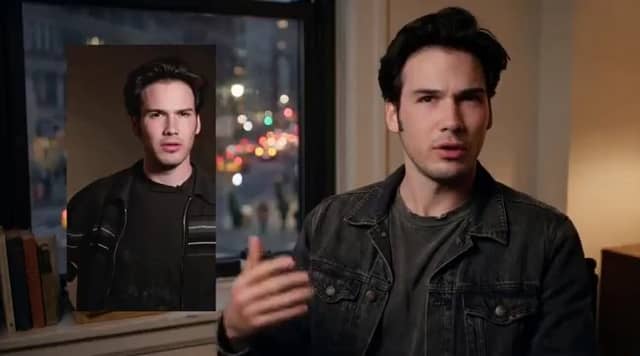
Put any character in any moment
Animate illustrations, concept art, or a favorite character from a single reference clip for memes and short-form storytelling.
How Motion Control Works
Step 1
Upload your character
Add a clear photo of a person, an illustration, a 3D render, or an AI-generated character. Front-facing, well-lit images work best.
Step 2
Add a reference video
Drop in any clip with the movement you want — a dance, a gesture, a walk, or a full performance.
Step 3
Generate & download
The AI maps the motion onto your character in a couple of minutes. Download the result and post it anywhere.
Why creators choose Motion Control

The face stays consistent
What breaks most AI videos is a face that drifts or melts halfway through. Motion Control locks identity so your character looks like the same person in the first frame and the last.
Motion that looks human
Weight, timing, and the small stuff — a head tilt, a hand gesture — carry over, so the result feels performed instead of interpolated.
No animation skills needed
If you can upload two files, you can use it. Skip rigging, mocap suits, and weeks of manual keyframing.
Works with any character
Real photos, stylized art, anime, mascots, AI portraits — if it has a face and a body, it can move.
HD output, ready to post
Choose Standard (720p) for speed or Pro (1080p) for crisp, ad-ready footage.
Ready in minutes
No render farms or overnight queues. Upload your two files and your motion video is usually done in a few minutes — yours to download and use commercially.
Motion Control FAQ
Yes — keeping identity stable is the whole point. Motion Control preserves the face and features across every frame instead of regenerating them.
A character image (.jpg/.jpeg/.png, under 10MB, at least 300px, aspect ratio between 2:5 and 5:2) and a reference video (.mp4/.mov, under 100MB, 3–30 seconds). For best results, use a clear, well-lit face.
It follows your reference video — anywhere from 3 to 30 seconds. The generated clip matches the motion you upload.
Most clips finish in a few minutes, depending on length and quality.
Standard renders at 720p and uses fewer credits. Pro renders at 1080p for cleaner, professional-grade results.
Yes — videos you generate are yours to use for content, ads, and client work.
You don't need the character to be real, present, or able to do the move. Borrow motion from any video and apply it to any character.
Ready to see your character move?
Upload a photo and a clip — your first motion video is minutes away.