
Fix Blurry Image
Got a blurry photo? AIEffect fixes blur in seconds—restoring detail, sharpness, and texture while keeping it natural. Just upload and let the AI do the rest. Try it free, no subscription required.
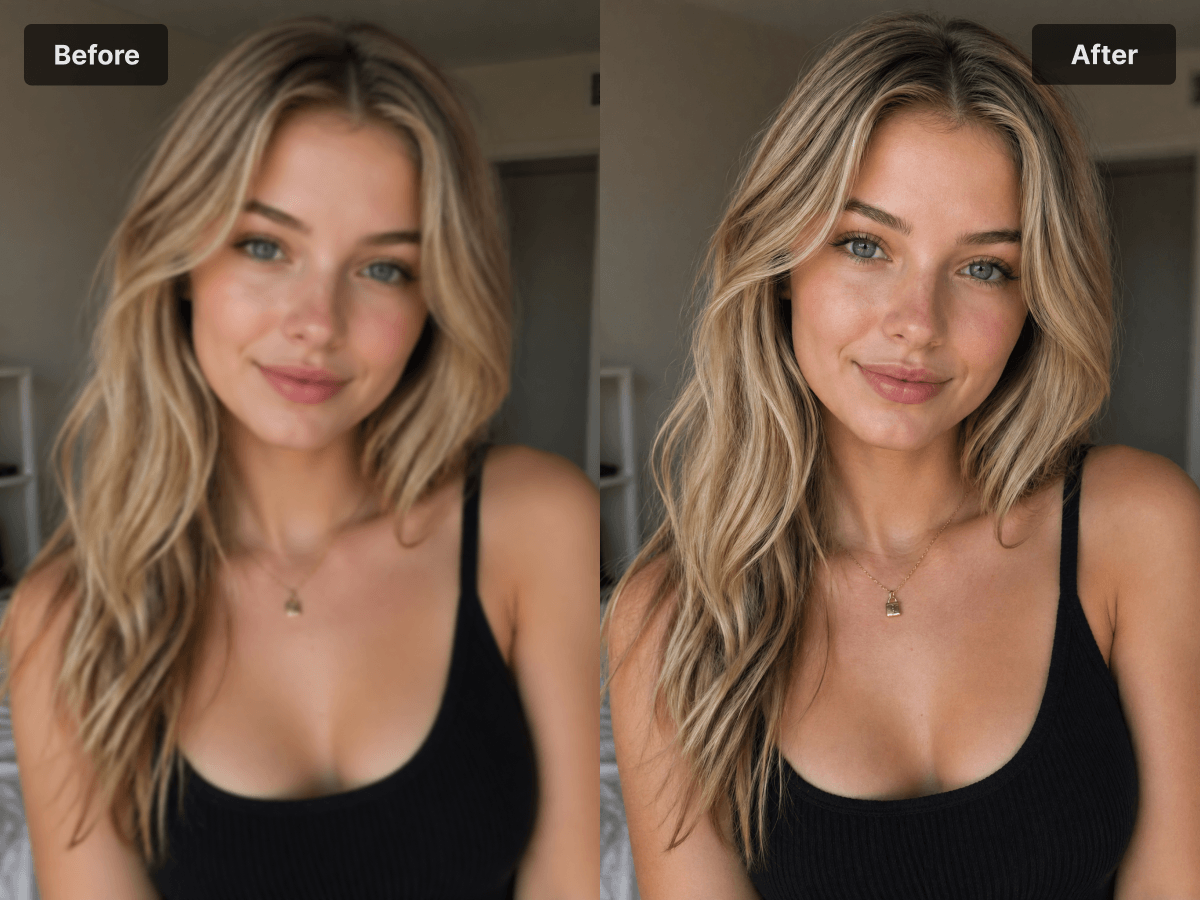
How It Works
Upload your blurry photo
Drop in any image you want to unblur — JPG or PNG, any source. Phone shots that came out shaky, missed-focus snapshots, screenshots of compressed images all work. There's no minimum quality requirement.
AI deblur rebuilds the sharp version
The model identifies the type of blur — motion blur, focus blur, or compression artifacts — and reconstructs the missing edge detail rather than just sharpening pixels. This is what separates AI deblur from a regular sharpening filter: it adds back detail that was lost, instead of amplifying noise.
Download the unblurred photo
The result is a clean, sharp version of the original. Color, lighting, and the natural feel of the photo stay intact — only the blur is gone. Use it directly, share it, or save it as the corrected master copy.
Features
Use Cases
Why Choose This Tool
FAQ
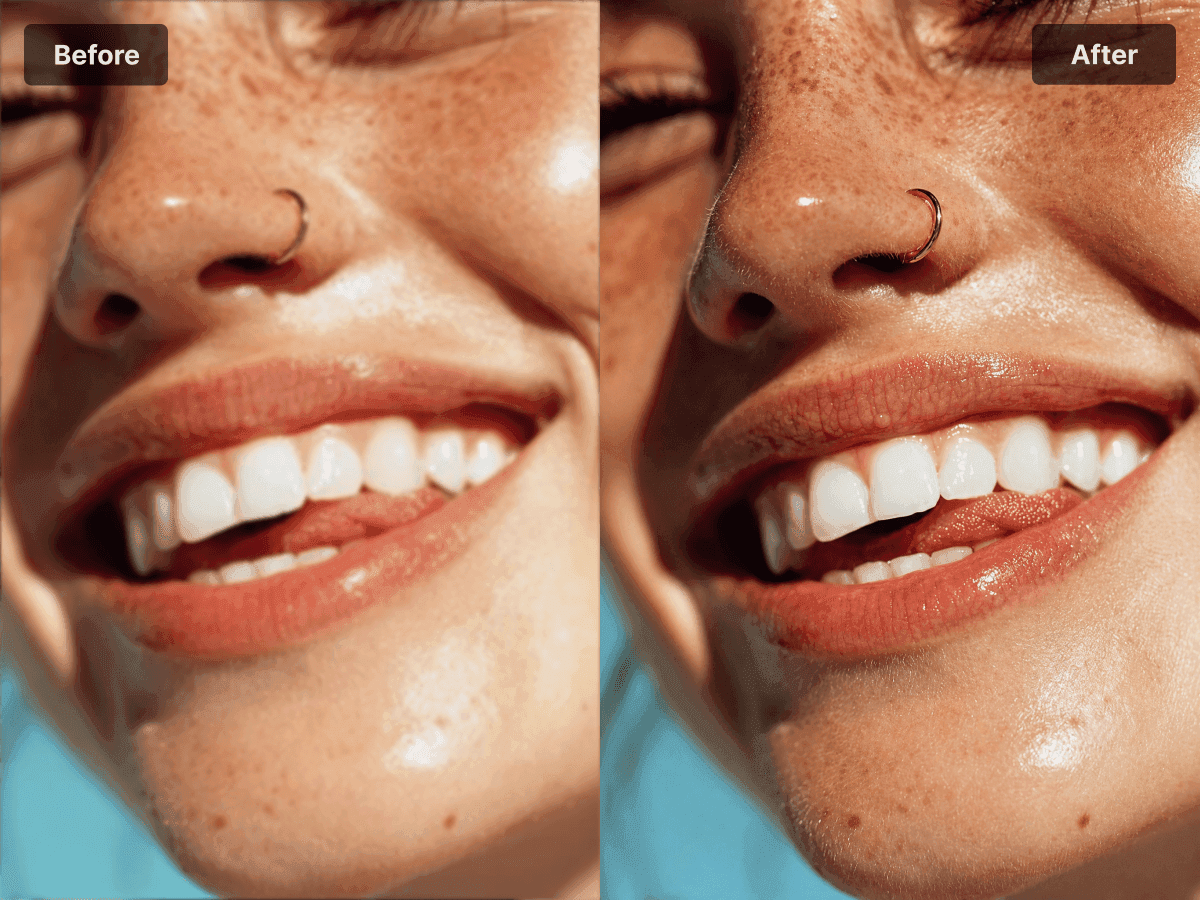
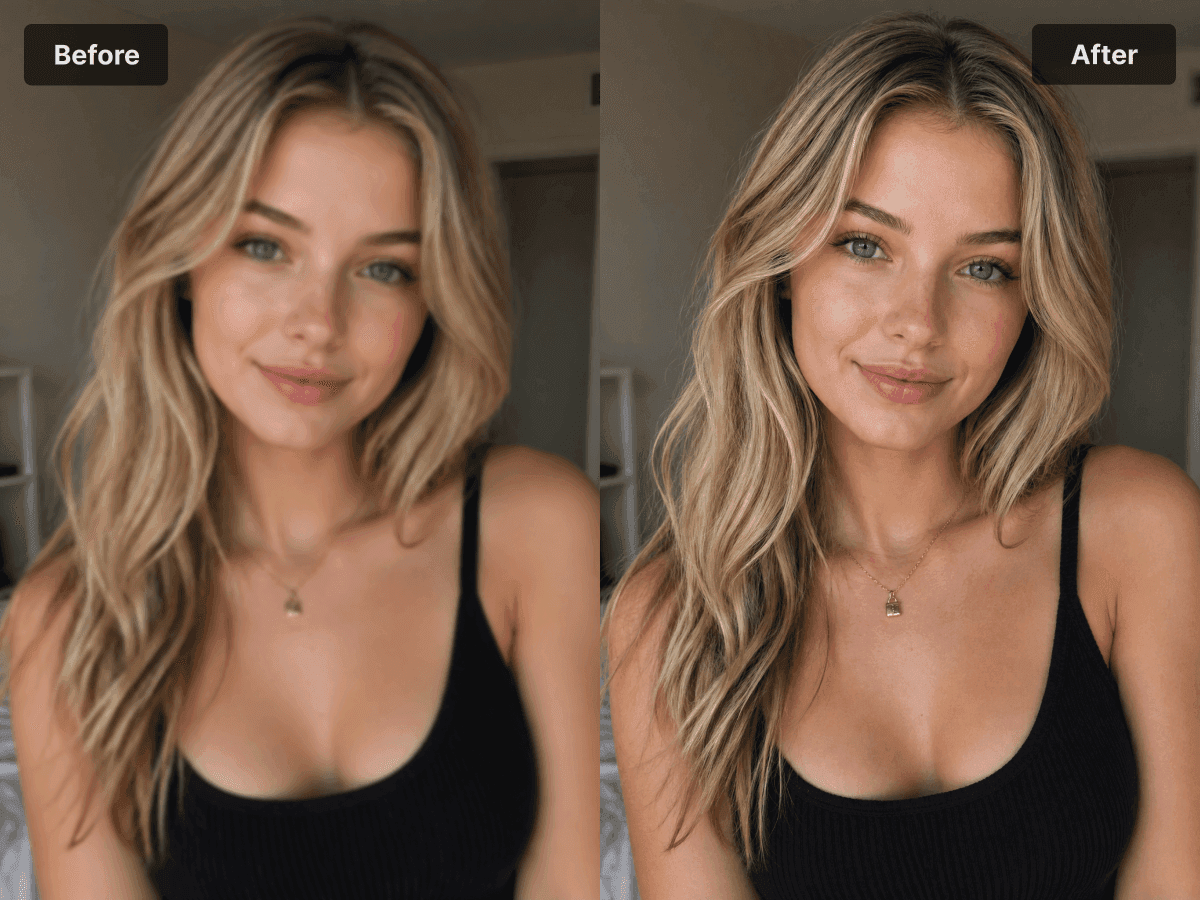
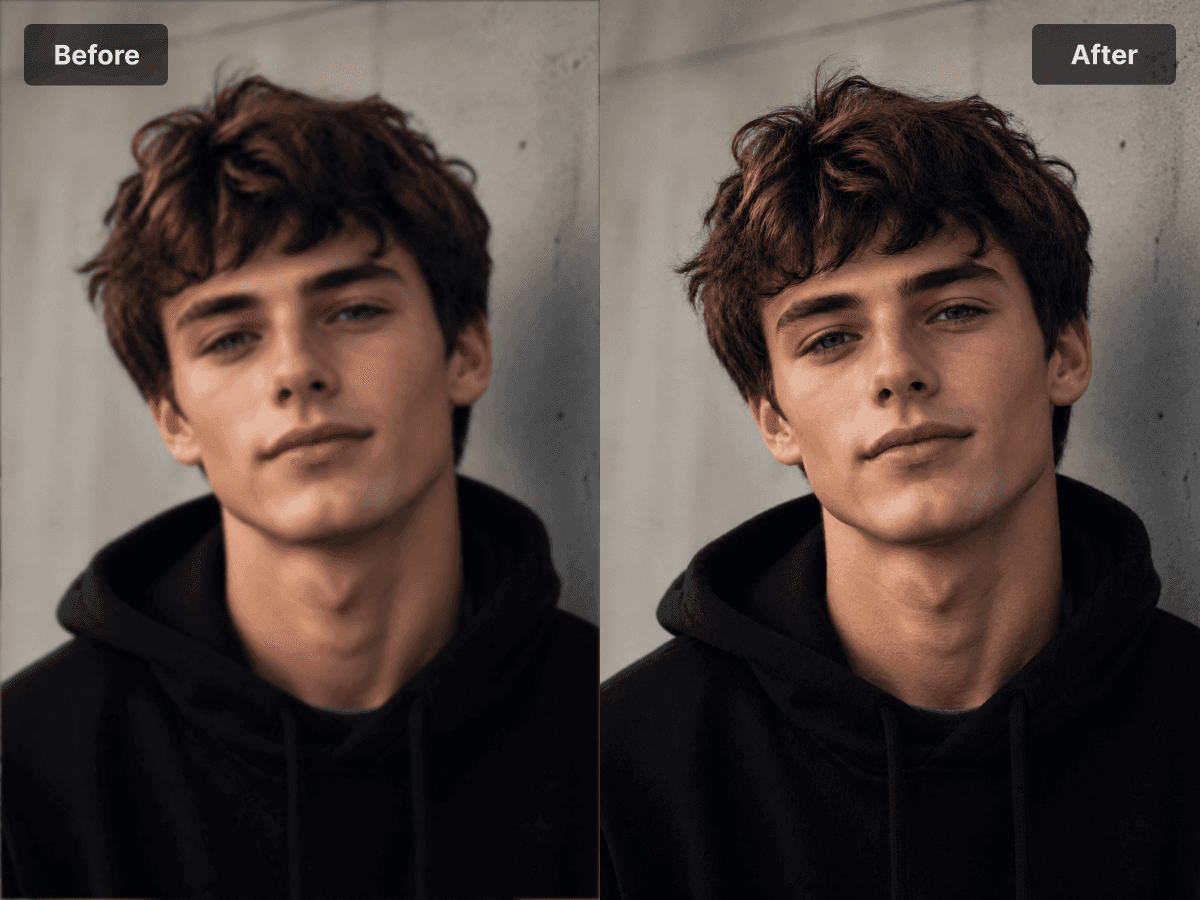
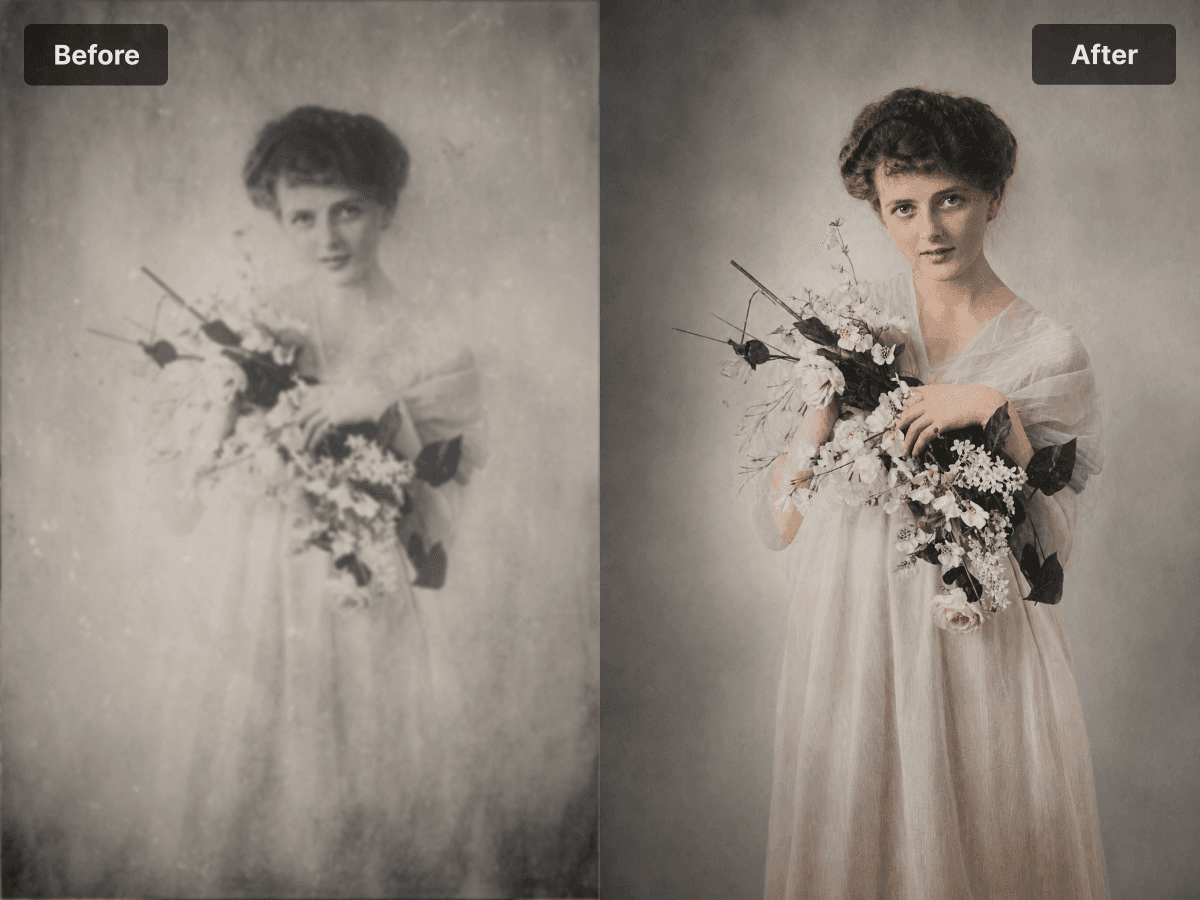

Got a blurry shot? Don't delete it — unblur it. AI deblur rebuilds the sharp version in seconds, with no halos, no over-sharpening, and no editing skills required.
Try it free — no subscription, no hassle.