
How Do You Keep the Same Character in Every AI Video for Free?
Generate from reference images instead of a text description. Upload images of your character, describe the scene, and generate. The AI works from your actual character art in every clip, so the face, outfit, and colors stay the same from episode to episode. New accounts get 12 free credits after email verification, enough for one 10-second clip.
- 1
Use the same reference images
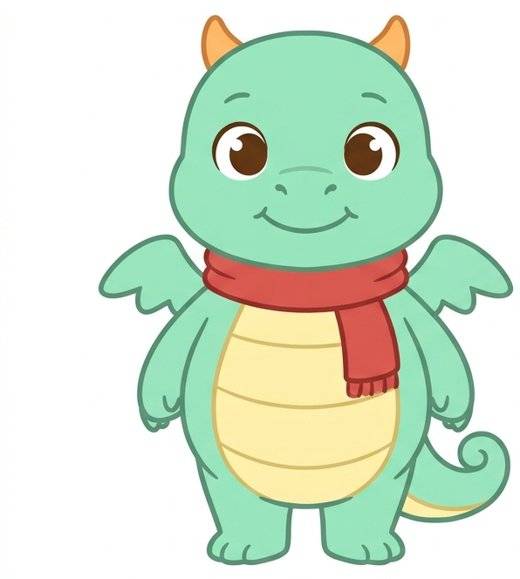
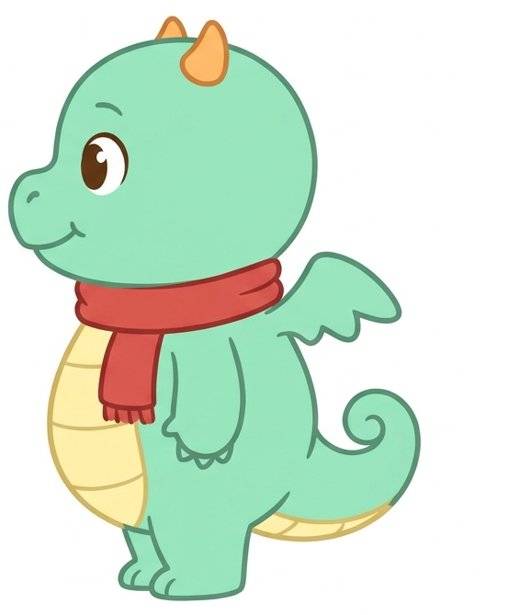
Upload the same character images for every clip. A front view plus a side view gives the AI the most to work from.
- 2
Only describe what changes
Keep the character description identical in every prompt and change only the scene, action, or mood.
- 3
Keep clips short
Clips of 5 to 10 seconds stay more consistent than long ones. Join several short clips into a full episode.
- 4
Start with a free clip
Try one clip with your signup credits before spending anything. No subscription, no watermark.
What People Make with Consistent Characters
One character, many videos. Reuse the same reference images for every new scene.
Kids Cartoon Series
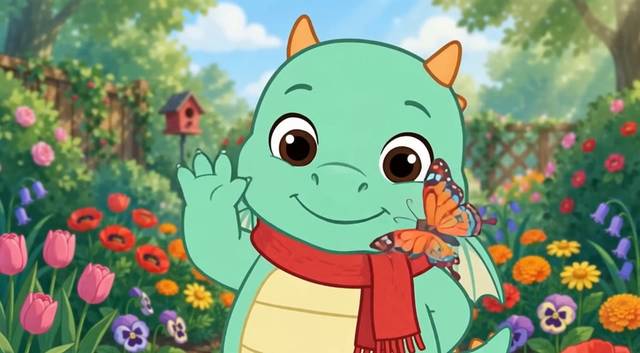
Turn your own cartoon character into short episodes for a kids YouTube channel, with the same look in every episode.
Learning Videos
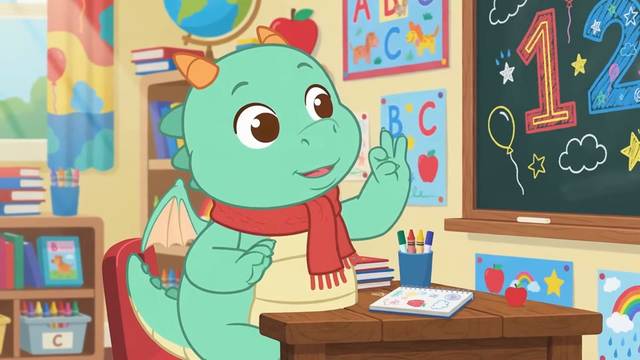
Put your character in a classroom to teach numbers, letters, colors, or good habits to young viewers.
Bedtime Stories and Scenes
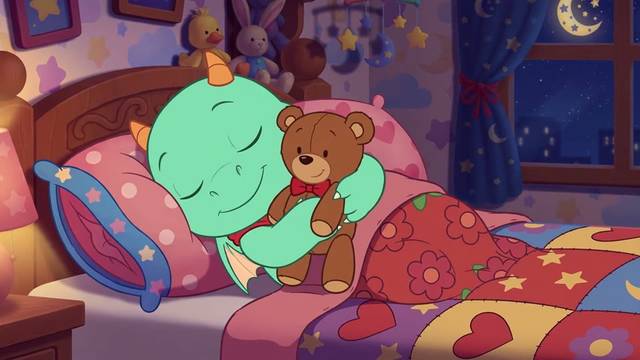
Keep the same hero across a multi-scene story. Generate each scene as a short clip, then edit them together.
How to Make Videos with the Same Character
Upload your character
Add one or more clear images of your character. A front view plus a side view works best. Most models accept up to 7 to 10 images.
Describe the scene
Write what the character does in this clip. Type @ to tag a reference image, for example "@Image1 waves hello in a sunny garden."
Generate and download
Most clips are ready in a few minutes. Download without a watermark, then reuse the same images for the next episode.
Why Use This Consistent Character Video Generator

Built on reference images
The AI works from your actual character art instead of guessing from a text description, which is why the look holds across clips.
Multiple references per clip
Upload several angles or expressions of the same character, or two characters together, in one generation.
Choose your AI model
Switch between Seedance, Kling, PixVerse, Muse Video, and more in one place to find the model that keeps your style best.
No watermark
Every download is watermark-free, so clips are ready to edit into YouTube, TikTok, or Reels videos.
Frequently Asked Questions
Use the same reference images every time. Upload your character art, describe only what changes in the scene, and keep the character description identical between prompts. Short clips of 5 to 10 seconds stay more consistent than long ones.
Yes. Upload your character design, generate each scene as a short clip, then join the clips and add voice and music in a video editor. Use your own original characters; do not upload characters owned by other studios.
Your first clip is free. New accounts get 12 credits after email verification, which covers one 10-second 720p clip with Muse Video. After that, videos use credits based on model, resolution, and length, with no subscription required.
Reference images keep the overall look, face, outfit, and colors much closer than text-only generation, but AI can still drift on small details such as hands or tiny accessories. Clear references, a plain background, and short clips help. If a detail changes, regenerate that clip.
Clear, well-lit images of the character on a simple background. Add a front view and a side or three-quarter view, plus a close-up of the face if details matter. Avoid busy scenes with other characters.
Downloads have no watermark, you can try several AI models in one place with the same credits, and you pay per clip instead of a monthly subscription. Your first clip is free with the signup credits.
Our Terms of Service allow the videos you generate to be used for personal and commercial purposes. You are responsible for having the rights to the character images you upload.
More AI Tools
Bring Your Character to Life
Upload your character, describe the scene, and generate your first clip free.