
Brush-Based AI Image Editing
Select the part of the photo you want to edit, then use a prompt to redraw only that area.
Remove Objects
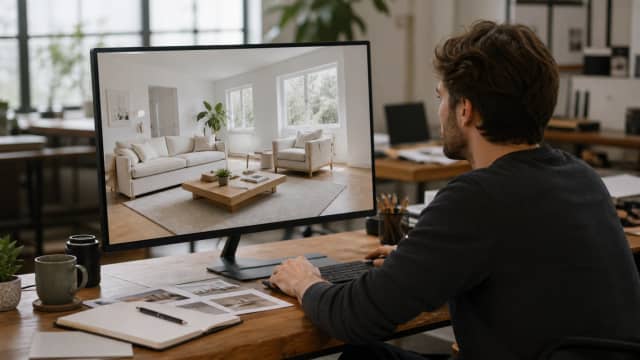
Brush over an unwanted object and ask AI to fill the area with a natural background.
Replace Details
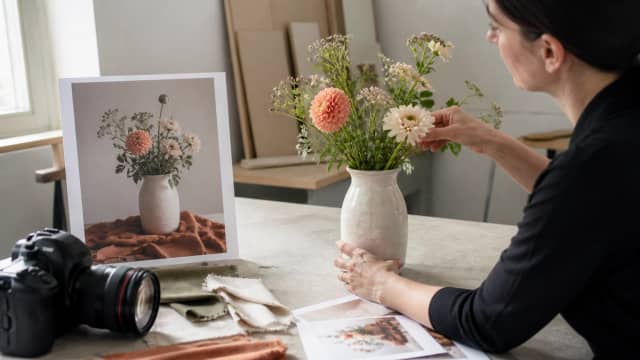
Mark a product detail, outfit, prop, or background element and describe the replacement.
Fix Image Errors
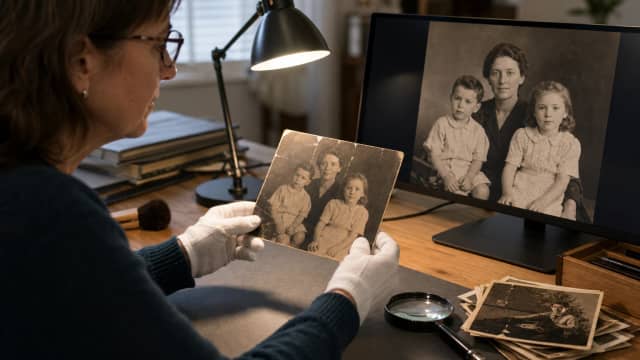
Correct small photo issues or AI image artifacts by brushing only the problem area.
How to Edit a Brushed Area with AI
Upload your photo
Choose the photo or AI image you want to edit.
Brush the area to edit
Use the brush to mark the exact part of the photo you want AI to change.
Describe the change
Enter a prompt, generate the edit, then download the photo with the selected area redrawn.
Why Use the AI Image Editor

Brush-based local editing
Select the exact area to edit instead of changing the whole photo.
Prompt-controlled redraw
Describe what the brushed area should become, and AI redraws that region.
Keep the rest intact
The unbrushed part of the photo stays as stable as possible.
Free credits to try
Use free credits to test AI photo editing before buying more.
Frequently Asked Questions
An AI image editor modifies an existing image with generative AI. This editor focuses on brush-based local edits: you mark the area to change and describe the result you want.
Upload the photo, brush over the exact area you want to edit, enter a prompt, and generate. AI redraws the selected area while using the surrounding image as context.
The brush creates a mask. The mask tells the AI which part of the photo can change and which parts should stay untouched.
Yes. After brushing the area, type a prompt such as "remove this object", "change the shirt to a black jacket", or "add flowers on the table".
Yes. Brush over the object or detail, then describe whether you want to remove it, replace it, or turn it into something else.
AIEffect provides free credits you can use to try AI image editing. More edits may require additional credits.
You can open the editor page directly. Generating or saving AI edits may require sign-in so your credits and history can be linked to your account.
Most local photo edits take about 1-2 minutes, depending on image size, selected area, prompt complexity, and server load.
AI uses nearby pixels as context, so very large masks, unclear edges, or vague prompts can influence surrounding details. Try a tighter brush mask and a more specific prompt.
More AI Tools
Edit the Brushed Area with AI
Upload a photo, brush the part you want to change, and generate a local AI edit online.