
Best Use Cases
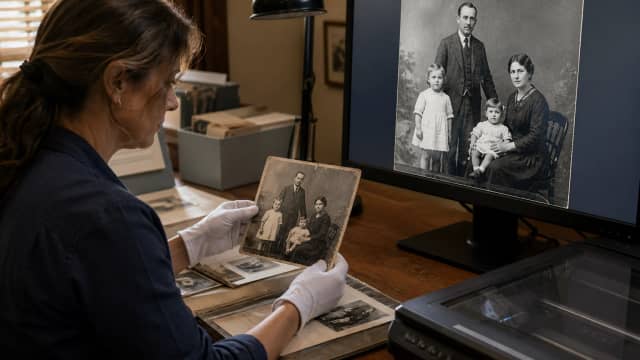
Old Photos
Upscale old or low-resolution photos.
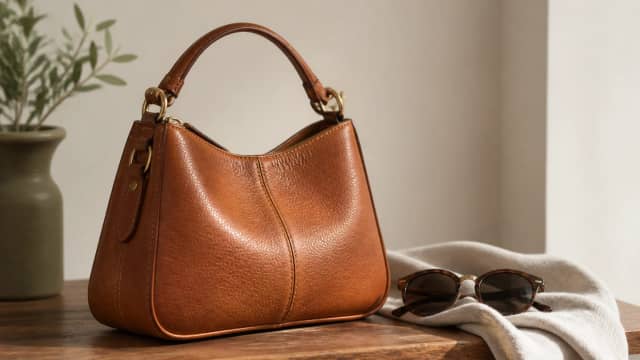
Ecommerce
Prepare product images for online stores.
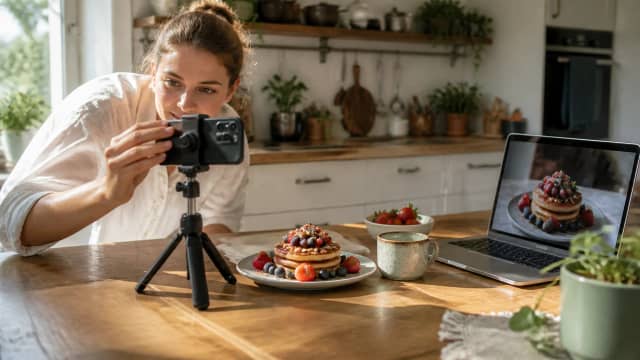
Social Media
Improve images for social posts.
How to Upscale an Image
Upload your image
Choose the image you want to upscale.
Pick a scale (2× or 4×)
Choose how much to enlarge your image.
Generate and download
AI processes in about 1–2 minutes, then download the result.
Why Use the AI Image Upscaler

Higher resolution
Increase image resolution and visible detail.
Sharper details
Reduce softness and pixelation.
No software needed
Works directly in your browser.
Free to try
Sign up to get free credits to start.
Frequently Asked Questions
It uses AI to increase image resolution and improve visible detail, producing a larger, cleaner-looking image.
Yes - choose 2× or 4× depending on your source image and how large you need the result.
Most images take around 1–2 minutes, depending on image size and server load.
It can improve softness and perceived detail, but extremely blurred or damaged images may still have limitations.
Yes - sign up to get free credits, enough to try the upscaler. Each use costs a small number of credits.
More AI Tools
Ready to Upscale Your Images?
Upload an image and try the AI upscaler free.