
Grok Imagine AI Video Generator with Audio
Create cinematic AI videos from text prompts or images with Grok Imagine on AI Effect. Generate short clips with motion, visual style, and synchronized audio in one simple workflow.
Generate AI Videos with Grok Imagine
Use Grok Imagine to create short AI videos from prompts, images, or creative ideas. It is built for fast visual generation, social content, product concepts, and cinematic experiments.
Text to Video
Describe your scene, subject, action, mood, and camera movement. Grok Imagine turns your prompt into a short cinematic AI video.
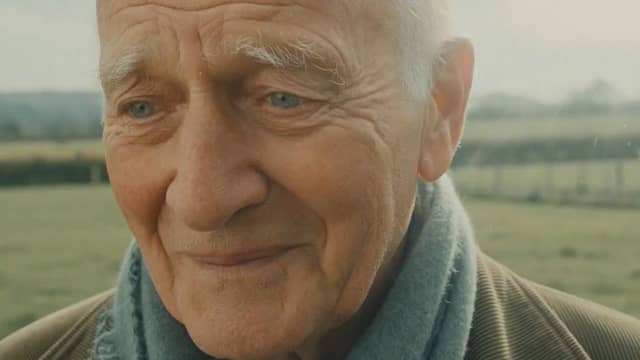
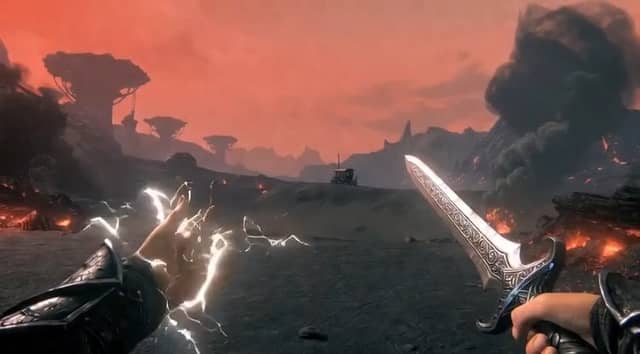
Image to Video
Upload a photo, product image, portrait, or visual reference and animate it with motion, lighting, and camera movement.
Video with Audio
Generate short videos with synchronized sound when supported, including atmosphere, sound effects, or dialogue-style audio.

Fast Video Creation
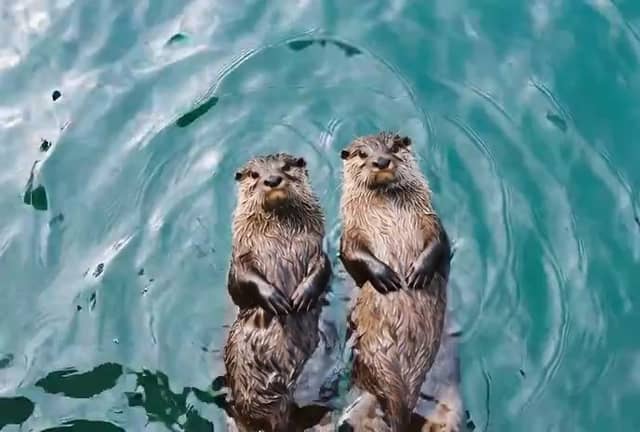
Create quick video variations for social media, ads, product tests, and creative experiments without manual editing.
Multiple Creative Styles
Generate realistic, playful, cinematic, stylized, or bold visual outputs depending on your prompt and creative direction.
Best Use Cases for Grok Imagine

Social Media Clips
Create short-form videos for TikTok, Instagram Reels, YouTube Shorts, X, and other social platforms.
Image Animation
Turn still images into moving clips with camera motion, subject movement, and cinematic atmosphere.
Product Concept Videos
Animate product images or generate visual concepts for ads, launches, landing pages, and campaign tests.
Meme and Trend Videos
Quickly turn trending ideas, jokes, headlines, or visual concepts into short shareable clips.
Cinematic Visual Experiments
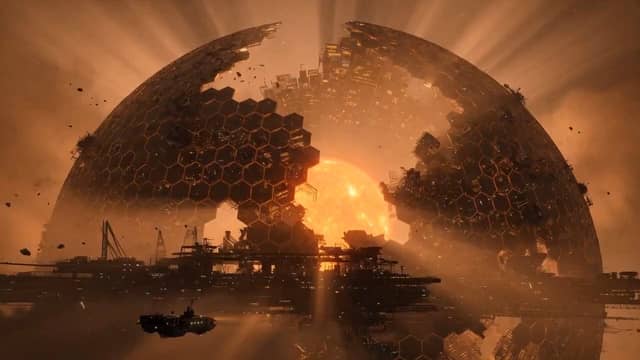
Test dramatic scenes, fantasy shots, surreal visuals, and stylized camera movement from simple prompts.
Fast Creative Variations
Generate multiple versions of one idea to compare hooks, styles, moods, and formats before publishing.
Why Use Grok Imagine on AI Effect
AI Effect gives you access to Grok Imagine inside a flexible AI creation platform, so you can generate videos without another monthly subscription.

Prompt or Image Input
Start from a written idea or upload an image. Grok Imagine supports both text-to-video and image-to-video creation workflows.
Audio-Visual Output
Create short videos with sound when supported, instead of generating silent clips and adding audio separately.
Great for Fast Content Creation
Grok Imagine is useful when you need quick visual output for social content, ad testing, memes, and creative experiments.
Flexible Creative Direction
Use plain language to describe the mood, camera movement, action, style, and visual energy you want.
Built for Short-Form Video
Generate clips for TikTok, Reels, Shorts, ads, product showcases, and social campaigns.
Pay As You Go
Use AI Effect credits only when you generate. No monthly subscription required.
How to Use Grok Imagine on AI Effect
Enter a Prompt or Upload an Image
Describe your idea in plain language, or start from a photo, product image, portrait, or visual reference.
Choose Your Style and Format
Add details like camera movement, mood, aspect ratio, motion intensity, sound direction, or visual style.
Generate, Review, and Download
Grok Imagine creates your AI video. Review the result, generate variations if needed, and download the final clip for social media, ads, or creative projects.
Grok Imagine AI Video Generator FAQ
Grok Imagine is an AI image and video generation model associated with xAI. It can be used to create images, animate photos, and generate short videos from prompts or image inputs.
Yes. You can describe a scene, action, camera movement, mood, and visual style, then generate a short video from your prompt.
Yes. You can upload an image and use Grok Imagine to add motion, lighting, camera movement, and atmosphere.
Grok Imagine can support video generation with audio in certain workflows. On AI Effect, available output options may depend on the selected model mode and generation settings.
Yes. Grok Imagine is a strong fit for short-form videos, trend clips, visual memes, product concepts, and fast creative experiments.
You can create short AI videos, image-to-video animations, product clips, social media visuals, campaign concepts, cinematic experiments, and creative variations.
No. You can create videos by entering a prompt or uploading an image. AI Effect handles the generation process.
Grok Imagine uses AI Effect credits. You pay only when you generate, with no monthly subscription required.
You can use generated videos for many commercial workflows, such as marketing, e-commerce, and social content, but you should avoid copyrighted characters, protected logos, celebrity likenesses, or brand assets you do not have rights to use.
Grok Imagine is especially useful for fast short-form video creation, image-to-video animation, and social-ready visual experiments. If you need longer cinematic scenes or highly controlled production workflows, you may also compare it with other models available on AI Effect.
All-in-One AI Creator for Images & Videos
Create images and videos from text, images, or clips with leading AI models. No subscription — just pay as you go with credits that never expire.
 GPT Image 2.0
 GPT Image 1.5
 Nano Banana 2Nano Banana 2 Lite
 Nano Banana Pro
 Veo 3.1Gemini Omni
 Seedance 2.5Seedance 2.0Seedance 2.0 Mini
 Seedream 5 LiteSeedream 5 Pro
 Seedance 1.5 Pro
 Grok Imagine 2.0Grok Imagine 1.5Grok Imagine
 Qwen2Qwen3
 Hailuo 2.3Minimax H3
 Kling 3.0Kling 2.6Kling O3
 Happyhorse 1.0Happyhorse 1.1
 Midjourney V7Midjourney V8.1
 Pixverse v6
 Flux 2 ProFlux 3 Video
Create Videos with Grok Imagine
Turn prompts or images into short AI videos with motion, style, and audio-ready creative workflows using Grok Imagine on AI Effect.