
Happy Horse 1.1: AI Video with Native Sound and Multilingual Lip-Sync
Turn a prompt or a single image into a cinematic video that already has its own audio, with talking characters whose lips match the words in their language.
One Model for Video, Sound, and Speech
Native Audio and Multilingual Lip-Sync
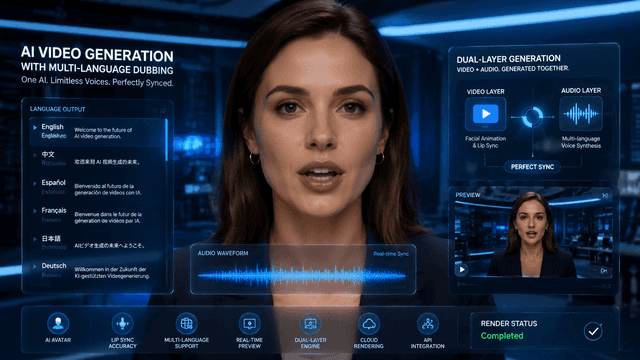
Most AI video tools give you a silent clip and leave the sound to you. Happy Horse 1.1 generates the video and its audio together in a single pass, and when a character speaks, their lips match the words. Lip-sync works across multiple languages, so talking-head explainers, dialogue scenes, and ads feel finished the moment they render.
Text, Image, and Reference to Video
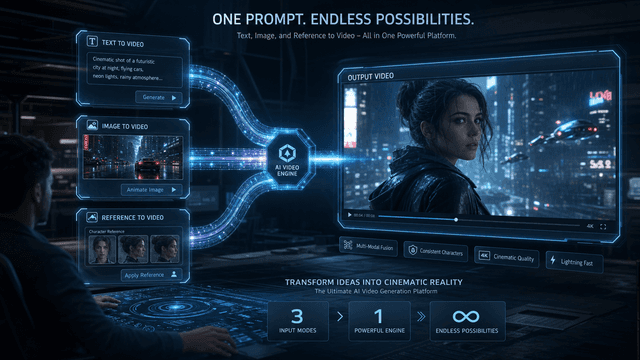
Start however you like. Write a prompt for text-to-video, animate a still photo with image-to-video, or upload reference images so the model locks onto a specific character or product. Reference-to-video keeps the same face, outfit, or item recognizable from one clip to the next.
Consistent Characters With Up to 9 Reference Images
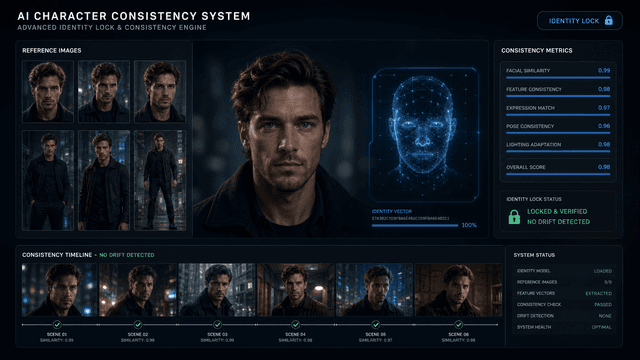
Eliminate character morphing. Add up to 9 reference images and Happy Horse 1.1 holds the subject's face, outfit, and product details steady across the whole clip, so your hero looks like the same person in every shot instead of drifting between frames.
Smoother Motion, Stronger Prompt Following
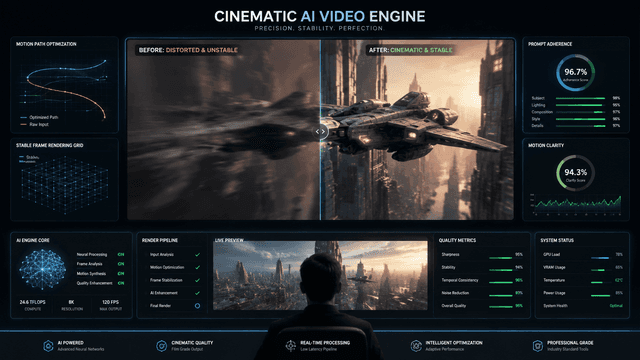
As Alibaba's #1-ranked video model, version 1.1 is a clear step up from 1.0: more fluid movement, fewer warped frames, and tighter adherence to what you actually asked for, even on longer prompts.
Cinematic Camera Control
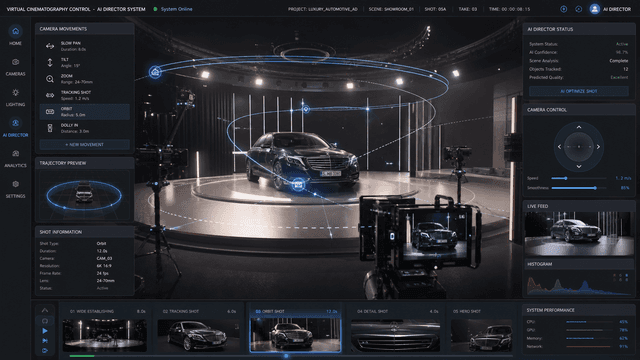
Direct the shot with plain language. Ask for a slow pan, a tilt, a zoom, or a tracking move, and you get the framing of a real camera operator without any equipment.
Why Creators Choose AIEffect for Happy Horse 1.1

Run It in Your Browser
No install and no setup. Open AIEffect, pick Happy Horse 1.1, and start generating.
Sound-On Video in One Step
Skip the separate voiceover, music, and sync pass. The audio comes out with the video, ready to post.
Built for a Global Audience
Multilingual lip-sync localizes the same scene into different languages, with no reshoot or re-recording.
Keep Your Cast Consistent
Reference images travel across generations, so a character or product stays on-brand from the first clip to the last.
Fast Enough to Iterate
Generate, review, and try another version in minutes, so you test ideas instead of waiting on renders.
Export Ready for Every Platform
Generate in widescreen or vertical and export clips sized for TikTok, Reels, YouTube Shorts, and more, all from one place.
Create a Sound-On Video in 3 Steps
Choose Your Starting Point
Select Happy Horse 1.1, then start from a text prompt, a single image, or reference images of the character or product you want to keep consistent.
Describe the Scene and Dialogue
Write what happens, add any spoken lines and the language, and include camera moves like "slow zoom" or "tracking shot." Pick your aspect ratio and length.
Generate, Review & Export
Generate your video with audio already synced, preview it, regenerate if needed, then export and share.
Frequently Asked Questions
It is Alibaba's #1-ranked AI video model, and it generates video and synchronized audio together in a single pass. It works from a text prompt, a still image, or reference images, and supports multilingual lip-sync for talking characters.
Yes. Audio is created alongside the visuals, and when a character speaks, the lip movements match the words. Lip-sync works across multiple languages, so you can localize the same scene without re-recording.
Upload up to 9 reference images. Happy Horse 1.1 uses reference-to-video to keep the subject's face, outfit, or product recognizable from shot to shot, solving the "character drift" problem common to other AI tools.
Text-to-video builds a clip from a written prompt. Image-to-video animates a still photo. Reference-to-video uses example images to lock a specific character or product into your scene. You can choose whichever fits your project.
Its standout strength is synchronized audio and visuals in one step. It generates the video and its matching sound and speech together, with multilingual lip-sync, so you do not need a separate lip-sync or voiceover tool the way you often do with other models.
You can generate in 720p or 1080p, with clip lengths from 3 to 15 seconds, in aspect ratios including 16:9, 9:16, 1:1, 4:3, and more, covering both widescreen and vertical social formats.
No. If you can describe a scene in a sentence, you can make a video. Camera moves and dialogue are added with plain language, and the audio is handled for you.
Talking-head explainers, dialogue scenes, product demos and UGC ads, social clips for TikTok, Reels, and YouTube Shorts, and cinematic shots for short films and storyboards.
All-in-One AI Creator for Images & Videos
Create images and videos from text, images, or clips with leading AI models. No subscription — just pay as you go with credits that never expire.
 GPT Image 2.0
 GPT Image 1.5
 Nano Banana 2Nano Banana 2 Lite
 Nano Banana Pro
 Veo 3.1Gemini Omni
 Seedance 2.5Seedance 2.0Seedance 2.0 Mini
 Seedream 5 LiteSeedream 5 Pro
 Seedance 1.5 Pro
 Grok Imagine 2.0Grok Imagine 1.5Grok Imagine
 Qwen2Qwen3
 Hailuo 2.3Minimax H3
 Kling 3.0Kling 2.6Kling O3
 Happyhorse 1.0Happyhorse 1.1
 Midjourney V7Midjourney V8.1
 Pixverse v6
 Flux 2 ProFlux 3 Video
Your Next Video Comes With Its Own Voice
Create cinematic, sound-on video with consistent characters and multilingual lip-sync, all from a single prompt or image.