
Seedance 2.0: Turn References into a Complete Scene
Turn images, video, and audio into a cinematic scene in one step—with synced sound, realistic motion, and no editing required.
Why Seedance 2.0 Feels Different
Most AI video tools generate clips. Seedance 2.0 builds complete scenes.
Use Images, Video, and Audio Together
Attach multiple references in one generation — images for characters, video clips for motion, and audio for sound direction. You're not guessing anymore. You're directing.
Audio Is Generated with the Video
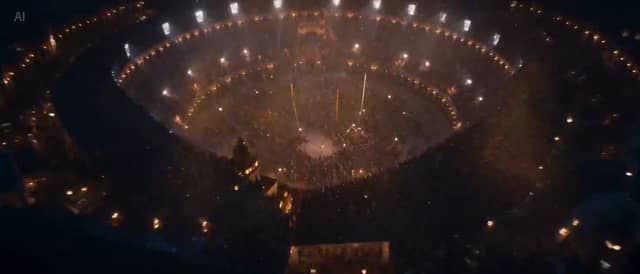
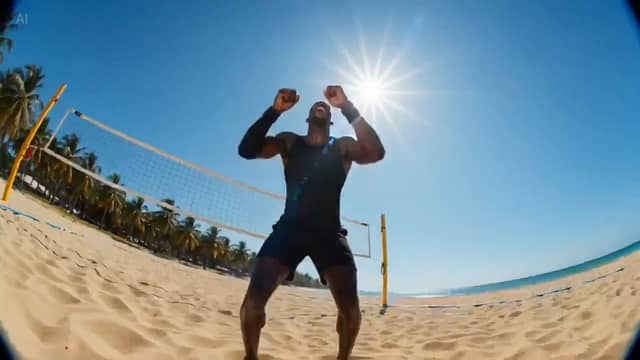
Dialogue, sound effects, and ambient audio are created alongside the visuals. No separate editing, no syncing in post — the output is ready to use.
Generate Multi-Shot Scenes in One Prompt
Wide shot, close-up, POV — all generated in sequence automatically. No stitching clips together or timeline work.
Control Camera Movement Like a Director
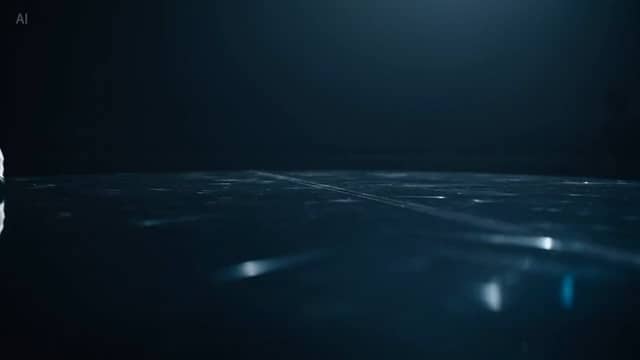
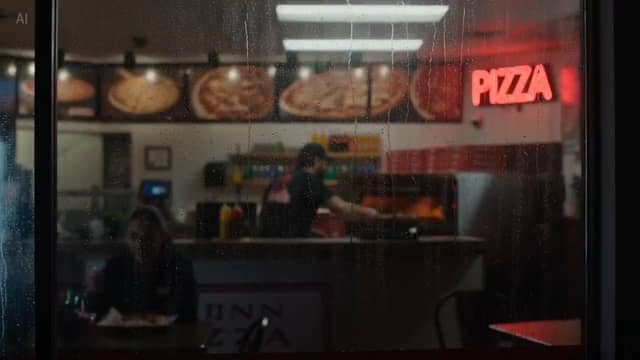
Describe shots using real camera language — tracking, dolly, zoom, focus shifts — and the model follows your direction.
Consistent Characters Across Shots
Upload a reference image once. The same character stays consistent across every scene, angle, and cut.
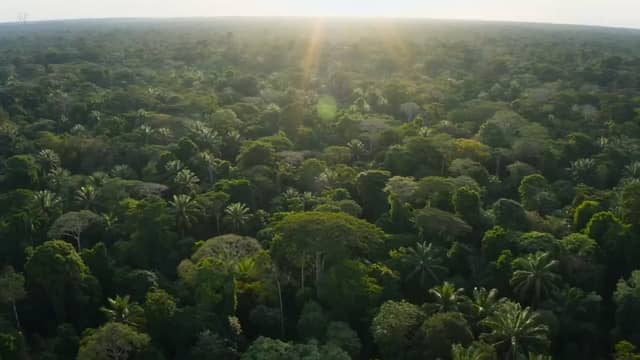
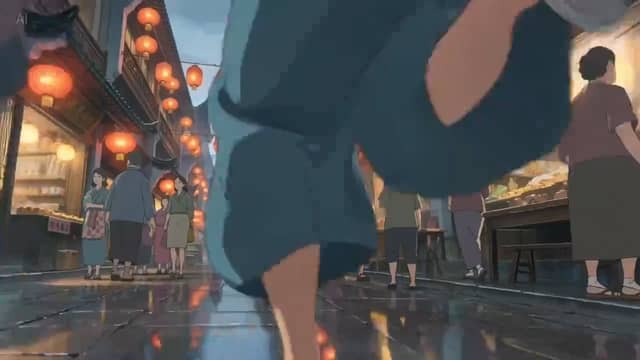
Realistic Motion and Physics
Fabric moves naturally, liquids behave correctly, and human motion looks believable. No warped limbs or "AI-looking" artifacts.
What You Can Create with This AI Video Generator

Short-Form Content
Create scroll-stopping videos with consistent characters and built-in audio—perfect for viral content and series.
Marketing & Ads
Turn a product image into a cinematic ad with motion, sound, and camera direction—no filming required.
Film Previsualization
Plan scenes with real camera movement and consistent characters before production—fast and visual.
E-commerce Product Videos
Generate realistic product showcase videos with natural motion and lighting—no studio needed.
Music Videos & Visuals
Upload your track and generate visuals that match rhythm, mood, and energy automatically.
Social Media Storytelling
Create multi-shot scenes with narrative flow and consistent visuals—ideal for engaging story-based content.
Who This Is For
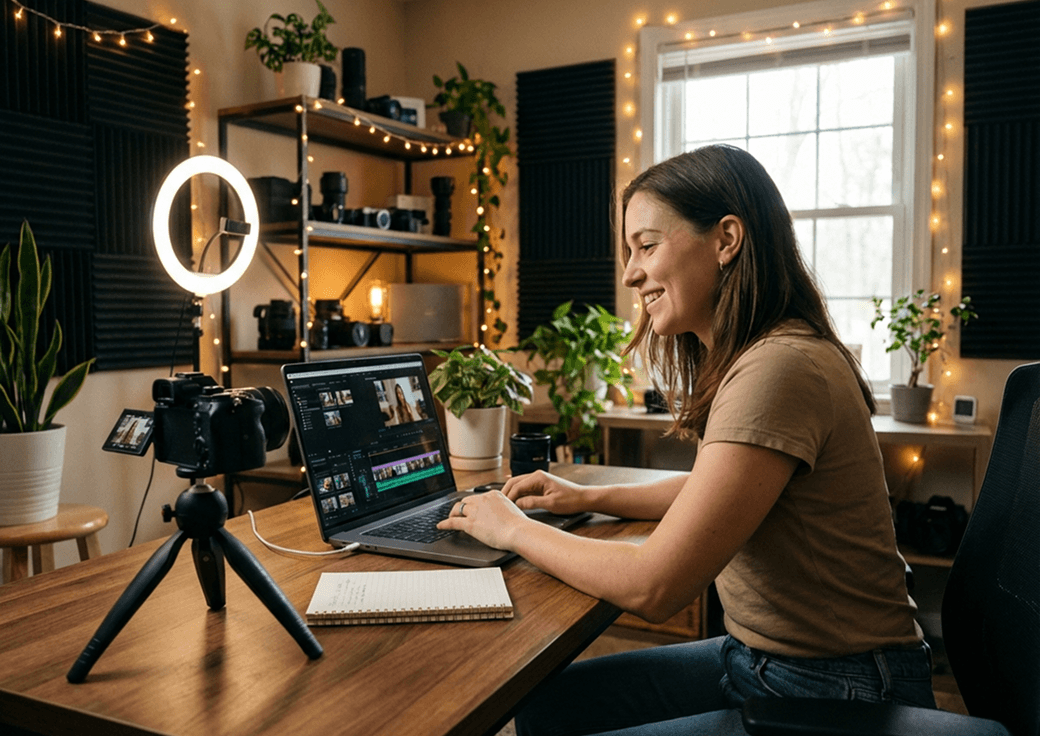
Short-Form Creators
Build consistent characters and visual styles across multiple videos without re-describing everything. Perfect for content series, storytelling formats, and viral short videos.

Marketing Teams
Generate multiple ad variations quickly using the same product or concept. Test hooks, visuals, and formats without production delays or high costs.
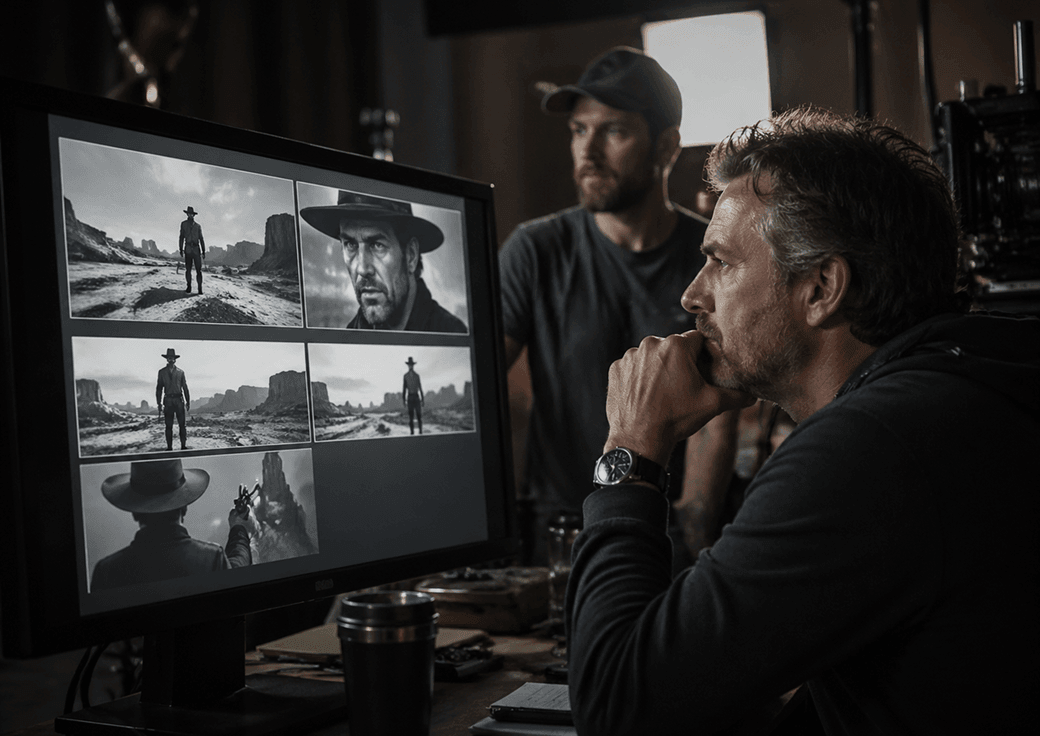
Indie Filmmakers
Visualize scenes before shooting or create full sequences using reference images and direction. Great for pitching, planning, or experimenting with ideas.

Online Sellers
Turn static product images into dynamic, realistic videos with motion and interaction. Ideal for product pages, ads, and social media.
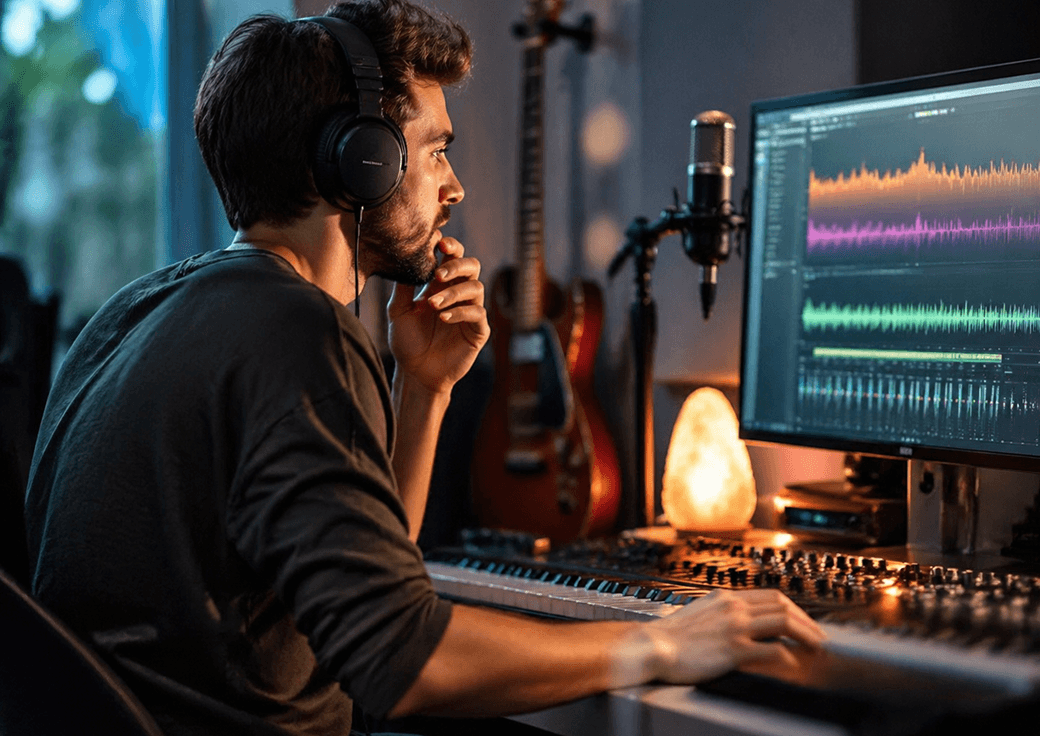
Musicians & Artists
Generate visuals that move with your music. Create music videos, loops, or promotional content synced to your audio.
Seedance 2.0 vs Other AI Video Generators
More Than Just Text Prompts

Most tools rely only on text.
Seedance 2.0 lets you combine images, video, and audio for full control.
Audio Included by Default
No silent clips. No external tools. Everything is generated together in one output.
Multi-Shot Scenes in One Generation
No manual stitching. No editing workflow. Just one prompt → complete scene.
Better Character Consistency
Keep the same face, outfit, and proportions across every shot.
More Realistic Motion
Physics-aware movement makes outputs look less artificial and more production-ready.
Get Usable Results on the First Try
Skip endless regenerations and editing. With reference inputs and built-in reasoning, Seedance 2.0 produces high-quality results you can actually use — right away.
How to Use Seedance 2.0
Describe Your Scene
Write what happens, who's involved, and how the camera should move.
Attach Your References
Upload images, video clips, and audio to guide style, motion, and sound.
Generate and Download
Get a complete multi-shot video with synced audio — ready to post or use.
FAQ
Seedance 2.0 is an AI video generator that creates cinematic videos with audio, realistic motion, and multi-shot scenes from a single prompt.
Yes. Dialogue, sound effects, and ambient audio are included in the output.
Yes. You can attach images, video clips, and audio together in one generation.
No. Everything is generated in one step — no timeline or editing required.
Seedance 2.0 supports multi-modal input and generates complete scenes with audio, not just silent clips.
All-in-One AI Creator for Images & Videos
Create images and videos from text, images, or clips with leading AI models. No subscription — just pay as you go with credits that never expire.
 GPT Image 2.0
 GPT Image 1.5
 Nano Banana 2Nano Banana 2 Lite
 Nano Banana Pro
 Veo 3.1Gemini Omni
 Seedance 2.5Seedance 2.0Seedance 2.0 Mini
 Seedream 5 LiteSeedream 5 Pro
 Seedance 1.5 Pro
 Grok Imagine 2.0Grok Imagine 1.5Grok Imagine
 Qwen2Qwen3
 Hailuo 2.3Minimax H3
 Kling 3.0Kling 2.6Kling O3
 Happyhorse 1.0Happyhorse 1.1
 Midjourney V7Midjourney V8.1
 Pixverse v6
 Flux 2 ProFlux 3 Video
Create Your First AI Video Scene
Create cinematic AI videos with synced audio in one step—no editing, no subscription, just high-quality results.