
Seedance 2.0 mini: Text-to-Video & Image-to-Video, Faster and Lower Cost
Turn a prompt or a few reference images into a full multi-shot cinematic video, with characters that stay consistent from scene to scene.
Multi-Shot AI Video with Consistent Characters
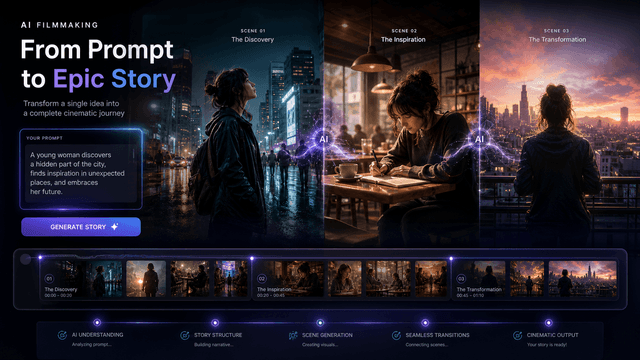
Multi-Shot Storytelling From One Prompt
Stop stitching isolated clips together. Seedance 2.0 mini reads your prompt as a complete story and returns a connected sequence, where Scene A cuts to Scene B with natural pacing. The result is a real narrative, not a pile of unrelated 5-second shots. Best for ads, shorts, and story-driven clips.
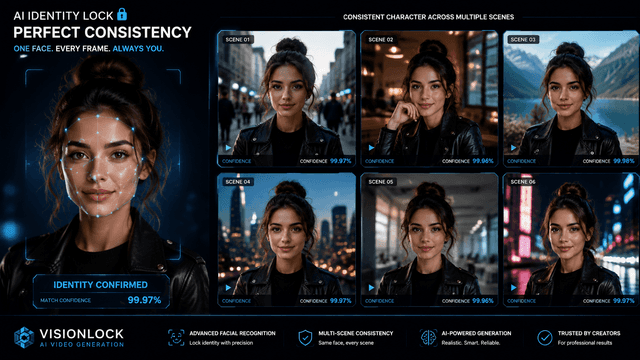
Consistent Characters, No Character Drift
The biggest frustration with AI video is "character drift," when your hero's face or outfit changes in every shot. Add reference images and Seedance 2.0 mini keeps the same person recognizable from the first frame to the last. Ideal for short dramas, ad series, and brand mascots.
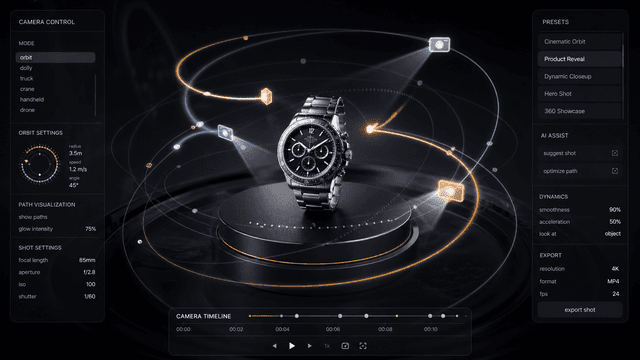
AI Camera Movement Control (Pan, Zoom, Tracking, Orbit)
Add cinematic motion with plain language. Ask for a slow zoom, a tracking shot, or an orbit around a product, and you get the look of a professional crew without touching a dolly or gimbal.
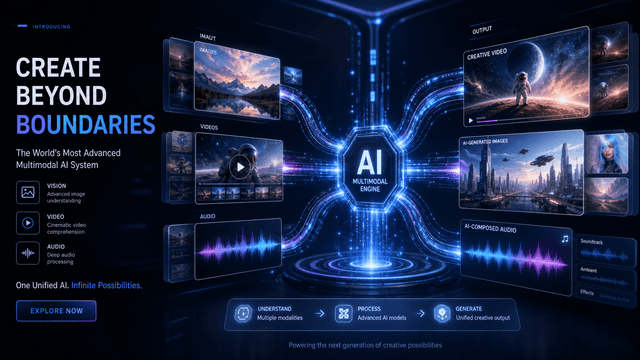
Multi-Modal References: Image, Video, and Audio
Guide the output with what you already have. Add up to 9 images, 9 videos, and 3 audio files so the model matches your exact style, subject, and mood instead of guessing.
Native Sound, Built In
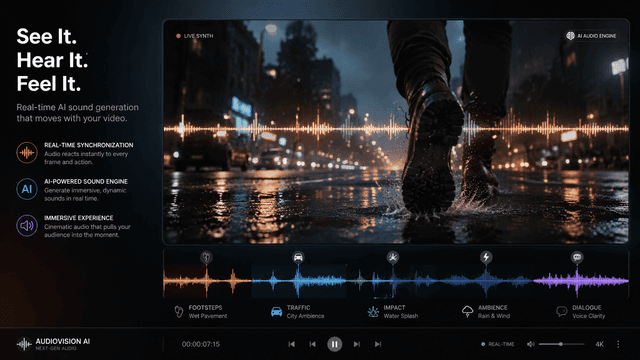
Ambient sound and effects are generated alongside the visuals and stay in sync with the action, so you skip a separate audio pass. (Voiceover and lip-sync depend on the audio references you provide; see the FAQ.)
Why Creators Choose AIEffect for Seedance 2.0 mini

Run It in Your Browser
No app to download and no setup. Open AIEffect, pick Seedance 2.0 mini, and start creating.
Lower Cost Per Video
The "mini" model is tuned for efficient generation, so each video costs less. Iterate and test more ideas for the same credits.
Built for Fast Iteration
Go from idea to finished clip in minutes. React to trends and ship content while it is still relevant.
Beginner-Friendly Interface
If you can describe a scene in a sentence, you can make a video. No editing background required.
Pro-Level Control When You Need It
Reference inputs and camera-move prompts give experienced creators the precision they expect.
Export Ready for Every Platform
Generate in widescreen or vertical and export clips sized for TikTok, Reels, YouTube Shorts, and more, all from one place.
Create Your First Cinematic Video in 3 Steps
Add Your References
Select Seedance 2.0 mini, then upload the images, video clips, or audio you want to guide the result. You can also start from text alone.
Describe Your Scene
Write a prompt for the scene, action, and mood. Add camera moves like "slow zoom in" or "orbit shot," then pick your aspect ratio and length.
Generate, Refine & Export
Generate your multi-shot video, preview it, refine or upscale if needed, then export and share.
Frequently Asked Questions
It is an AI video generator that turns text prompts and reference images into cinematic, multi-shot videos with consistent characters and camera movement. The "mini" version is tuned to be faster and more affordable than larger video models while keeping the quality.
Seedance 2.0 mini focuses on faster, lower-cost generation while keeping the same storytelling strengths: multi-shot sequences, character consistency, and cinematic motion. It is the best choice when you want to create a lot, quickly, without spending heavily per video.
Add reference images of your character, and Seedance 2.0 mini keeps their face, outfit, and features recognizable from shot to shot. This is one of its core strengths and solves the "character drift" problem common to other AI tools.
No. Seedance 2.0 mini runs in your browser on AIEffect, so there is no app or software to install. Just open the page and start creating.
Yes, ambient sound and effects are generated alongside the visuals and stay in sync with the action. Voiceover and lip-sync depend on the audio references you provide, so add a voice track if you need spoken dialogue.
You can generate in aspect ratios including 16:9, 9:16, 1:1, 4:3, and 3:4, in 480p or 720p, with selectable clip lengths from 4 to 15 seconds. That covers both widescreen and vertical social formats.
No. It is designed for complete beginners and professionals alike. If you can describe a scene in a sentence, you can create a video, and camera moves are added with plain language.
Cinematic short films, AI short dramas, product and brand ads, explainer videos, and social clips for TikTok, Reels, and YouTube Shorts.
All-in-One AI Creator for Images & Videos
Create images and videos from text, images, or clips with leading AI models. No subscription — just pay as you go with credits that never expire.
 GPT Image 2.0
 GPT Image 1.5
 Nano Banana 2Nano Banana 2 Lite
 Nano Banana Pro
 Veo 3.1Gemini Omni
 Seedance 2.5Seedance 2.0Seedance 2.0 Mini
 Seedream 5 LiteSeedream 5 Pro
 Seedance 1.5 Pro
 Grok Imagine 2.0Grok Imagine 1.5Grok Imagine
 Qwen2Qwen3
 Hailuo 2.3Minimax H3
 Kling 3.0Kling 2.6Kling O3
 Happyhorse 1.0Happyhorse 1.1
 Midjourney V7Midjourney V8.1
 Pixverse v6
 Flux 2 ProFlux 3 Video
Your Next Cinematic Video Is One Prompt Away
Bring your story to life with consistent characters, real camera motion, and cinematic results, faster and at lower cost.