
Kling O3 AI Video Generator - 720p, 1080p, or 4K
Generate Kling O3 AI videos from text, images, or start and end frames. Choose Standard 720p, Pro 1080p, or 4K for each 3-15 second clip, with optional audio and pay-as-you-go pricing from 16 credits/second.
Create Kling O3 Videos Your Way
Start with text, images, or frame control, then choose Standard, Pro, or 4K for the quality and cost you need.
Text to Video
Write a prompt of up to 2,500 characters, choose your aspect ratio and duration, then generate a Kling O3 video in Standard, Pro, or 4K.
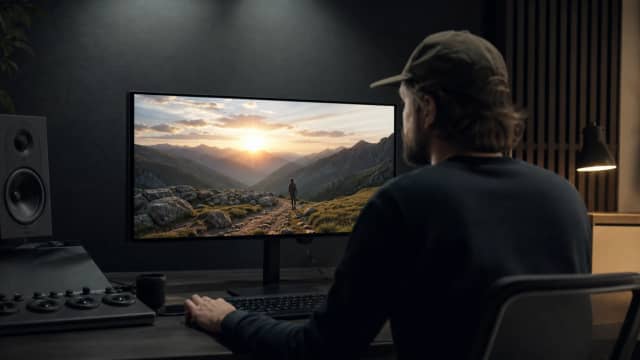

Image to Video
Use one image as the first frame, or upload up to 7 reference images to guide character appearance, style, and composition.
Frame Control
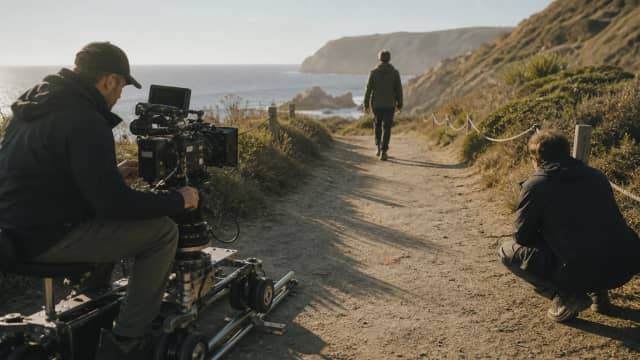
Set the first frame, last frame, or both start and end frames so Kling O3 generates motion between defined points.
Why Use Kling O3 on AIEffect

Three Quality Tiers
Choose Standard for 720p drafts, Pro for 1080p detail, or 4K for high-resolution output. Pick the cost and quality level for every clip.
4K AI Video Output
Use the 4K tier when you need 4K resolution for sharper playback on larger screens.
Up to 7 Reference Images
Upload up to 7 images to guide character appearance, visual style, and composition across the generated clip.
First and Last Frame Control
Set a first frame, a last frame, or both to define where the video starts and ends.
3-15 Second Clips with Optional Audio
Generate 3 to 15 second videos. Audio is off by default; turning it on changes the per-second rate on Standard and Pro, while 4K stays 79 credits/second.
No Subscription, Pay as You Go
Pay per second with no monthly plan. Standard starts at 16 credits/second, Pro at 21 credits/second, and 4K at 79 credits/second.
How to Generate a Kling O3 Video
Choose Input Mode and Tier
Select text to video, image to video, or frame control, then choose Standard 720p, Pro 1080p, or 4K.
Set Prompt, Format, Length, and Audio
Add a prompt up to 2,500 characters, choose 16:9, 9:16, or 1:1, set a 3-15 second duration, and leave audio off or turn it on.
Generate and Download
Kling O3 generates the clip in about 6 minutes on Standard, 10 minutes on Pro, or 20 minutes on 4K, then you can download the result.
FAQ
Kling O3 is an AI video generation model on AIEffect with three output tiers: Standard 720p, Pro 1080p, and 4K.
No. This page covers the Kling O3 generation family for creating videos from text, images, or frame control. Kling video edit is a separate model.
Standard outputs 720p, Pro outputs 1080p, and 4K outputs 4K. You choose the cost and quality level for each clip.
No. AIEffect is pay as you go, so Kling O3 does not require a monthly subscription.
Standard is 16 credits/second, or 21 with audio. Pro is 21 credits/second, or 26 with audio. 4K is 79 credits/second with or without audio.
Yes. Choose the 4K tier to generate Kling O3 videos at 4K resolution.
Yes. Enter a prompt up to 2,500 characters, choose your tier, aspect ratio, duration, and audio setting, then generate.
Yes. Use one image as the first frame, or upload up to 7 reference images to guide the result.
No. Kling O3 on AIEffect supports up to 7 reference images, but not reference video or reference audio.
Yes. You can set the first frame, the last frame, or both start and end frames.
Audio is optional and off by default. On Standard and Pro, audio increases the per-second rate. On 4K, the rate stays 79 credits/second.
Kling O3 videos can be 3 to 15 seconds long.
16:9, 9:16, and 1:1.
About 6 minutes for Standard, 10 minutes for Pro, and 20 minutes for 4K.
All-in-One AI Creator for Images & Videos
Create images and videos from text, images, or clips with leading AI models. No subscription — just pay as you go with credits that never expire.
 GPT Image 2.0
 GPT Image 1.5
 Nano Banana 2Nano Banana 2 Lite
 Nano Banana Pro
 Veo 3.1Gemini Omni
 Seedance 2.5Seedance 2.0Seedance 2.0 Mini
 Seedream 5 LiteSeedream 5 Pro
 Seedance 1.5 Pro
 Grok Imagine 2.0Grok Imagine 1.5Grok Imagine
 Qwen2Qwen3
 Hailuo 2.3Minimax H3
 Kling 3.0Kling 2.6Kling O3
 Happyhorse 1.0Happyhorse 1.1
 Midjourney V7Midjourney V8.1
 Pixverse v6
 Flux 2 ProFlux 3 Video
Generate Kling O3 Videos in 720p, 1080p, or 4K
Create 3-15 second AI videos from text, images, or start/end frames. Use up to 7 reference images, add audio if needed, and pay per second with no subscription.