
Midjourney V8.1: Professional AI Image Generation, Without Discord
Create vivid, high-definition images from a simple prompt. Midjourney V8.1 brings back the signature aesthetic everyone loves, reads your prompt more closely, and runs in a clean web workspace on AIEffect, with no Discord account or install required.
What Makes Midjourney V8.1 the Best Image Model Yet
The Signature Midjourney Aesthetic Is Back
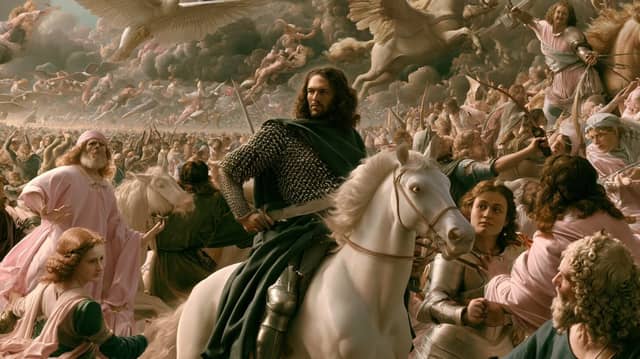
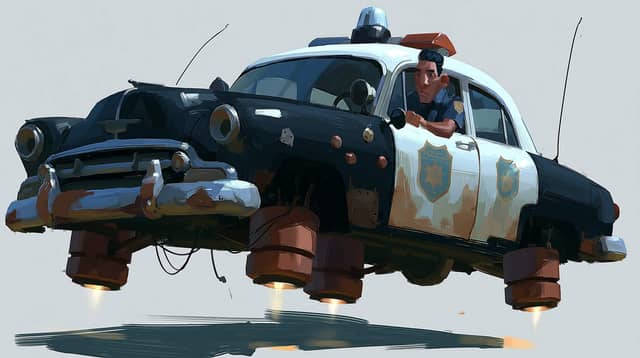
V8.1 restores the rich, expressive look people fell in love with. Earlier in the V8 series, images could feel over-polished and flat. This version brings back the depth, mood, and character that make a Midjourney image instantly recognizable.
Sharper Prompt Adherence and Detail
V8.1 reads your prompt more closely and holds on to the small details that used to get lost, like the shape of an object or the texture of a fabric. Want a literal, photographic result with no added styling? Turn on Raw mode for full control over the look.
High-Definition Images Without Extra Steps
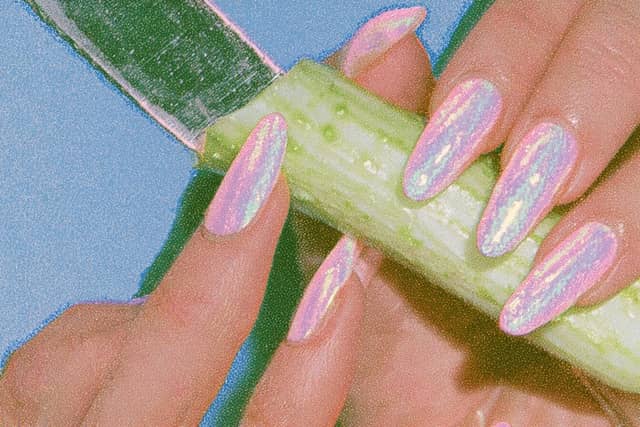
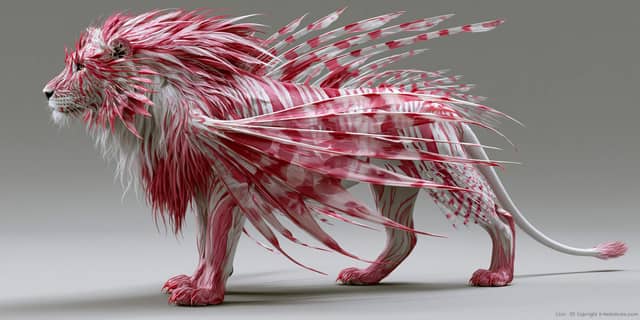
Generate crisp, high-resolution images right out of the box, with no separate upscaling pass needed. Your work is ready to present, print, or post the moment it renders.
Faster and More Affordable to Create
V8.1 is the fastest Midjourney yet and costs less per image, so you can explore more ideas and iterate freely instead of waiting on slow renders or rationing every generation.
Consistent Style With Moodboards and Style References
Lock in a look and carry it across a whole series. Style references and moodboards are more stable and sharper in V8.1, so a set of images actually feels like it came from the same shoot or the same brand.
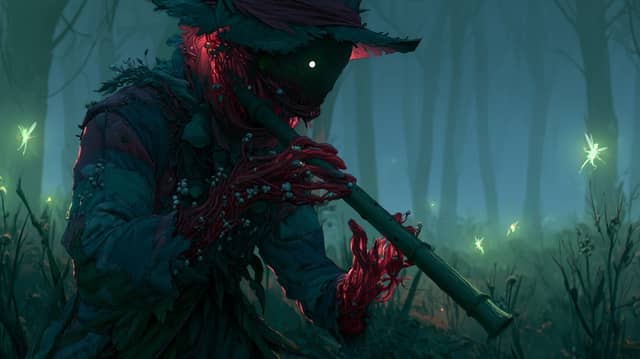
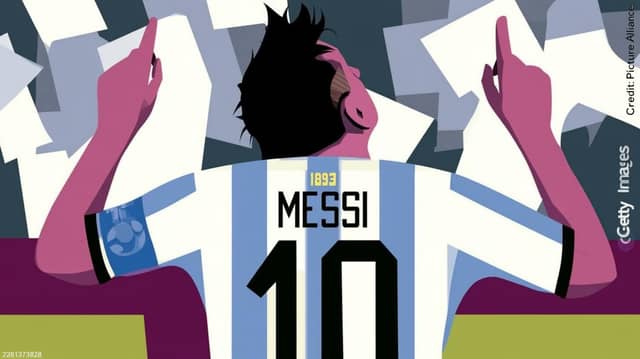
Flexible Inputs: Image Prompts, Describe, and Prompt Shortener
Guide a generation with your own image, not just words. The updated Describe turns any picture into a detailed prompt you can reuse, and the new Prompt Shortener automatically trims overly long prompts so they still work.
Generate Midjourney V8.1 Images Online, No Discord Needed

Discord-Free, Right in Your Browser
Use Midjourney V8.1 in a clean web workspace on any device. Nothing to install and none of the old Discord friction.
A Look That's Yours
Personalization tailors results to the styles you like over time, so your images keep a consistent, personal feel.
Many Aspect Ratios in One Place
Square, portrait, widescreen, or ultra-wide, ready for any platform or print format.
Edit Without Starting Over
Refine, remix, and adjust regions of an image to perfect a result instead of regenerating from scratch.
Export Ready to Use
Download high-resolution images sized for social, web, ads, or print, all from one place.
Free to Try
Start creating with a free trial and see the quality for yourself before you commit.
Create Your First Image in 3 Steps
Write Your Prompt
Select Midjourney V8.1, then describe what you want in plain language. You can also upload a reference image to guide the style.
Choose Your Look and Format
Pick an aspect ratio, and set the mood with style references or a moodboard. Turn on Raw mode if you want a literal, unstyled result.
Generate, Refine & Export
Generate your image, refine or remix it if needed, then download it ready to use.
Frequently Asked Questions
It is the latest version of Midjourney, the AI image generator known for its distinctive, artistic look. V8.1 became the default model in 2026 and focuses on a familiar aesthetic, sharper detail, and faster generation.
V8.1 brings back the signature Midjourney aesthetic, reads prompts more closely, holds small details better, and generates faster and more affordably. Style references and moodboards are also more stable, so your images stay consistent.
Use a style reference or a moodboard. V8.1 makes these noticeably more stable and sharper, so a whole set of images can share the same look, ideal for a brand or a series.
Yes. V8.1 powers pure image generation with the latest improvements, and you can still select V7 when you need its full set of reference tools. V8.1 focuses on still images, so it does not cover video, motion, or the Niji anime models.
Raw mode removes Midjourney's default styling so you get a more literal, unfiltered photographic result that follows your prompt exactly. It's useful when you want full control over the look.
No Discord and nothing to install. On AIEffect, Midjourney V8.1 runs in your browser, and you can start with a free trial. Just open the page and start creating.
No. If you can describe what you want in a sentence, you can create a great image. More advanced tools like style references are there when you want them.
Concept art and character designs, product and campaign visuals, social media content, branding and logos, illustrations, and photorealistic imagery for almost any creative project.
All-in-One AI Creator for Images & Videos
Create images and videos from text, images, or clips with leading AI models. No subscription — just pay as you go with credits that never expire.
 GPT Image 2.0
 GPT Image 1.5
 Nano Banana 2Nano Banana 2 Lite
 Nano Banana Pro
 Veo 3.1Gemini Omni
 Seedance 2.5Seedance 2.0Seedance 2.0 Mini
 Seedream 5 LiteSeedream 5 Pro
 Seedance 1.5 Pro
 Grok Imagine 2.0Grok Imagine 1.5Grok Imagine
 Qwen2Qwen3
 Hailuo 2.3Minimax H3
 Kling 3.0Kling 2.6Kling O3
 Happyhorse 1.0Happyhorse 1.1
 Midjourney V7Midjourney V8.1
 Pixverse v6
 Flux 2 ProFlux 3 Video
Make Your Best Work Yet With Midjourney V8.1
Create high-definition images with the signature Midjourney look, sharper detail, and a consistent style, all from a single prompt.