
MAI Image 2.6 AI Image Generator and Editor
Generate and edit AI images with MAI Image 2.6—a modern image model that creates photo-real visuals from text, retouches photos with instructions, and blends up to 5 reference images into one shot. Switch between the fast Flash version and the high-quality Standard version anytime. Start free on AI Effect, pay as you go.
Generate and Edit Images with MAI Image 2.6
One model for the whole workflow: create from text, retouch photos with instructions, and compose multiple references—for social posts, ads, product visuals, and web content.
Text to Image
Describe the subject, scene, style, and lighting you want. MAI Image 2.6 turns detailed prompts into clean, photo-real images.
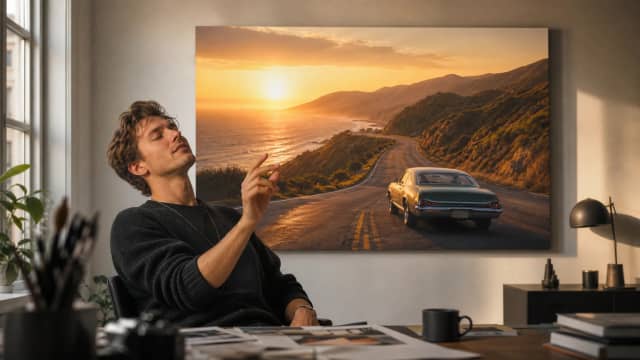
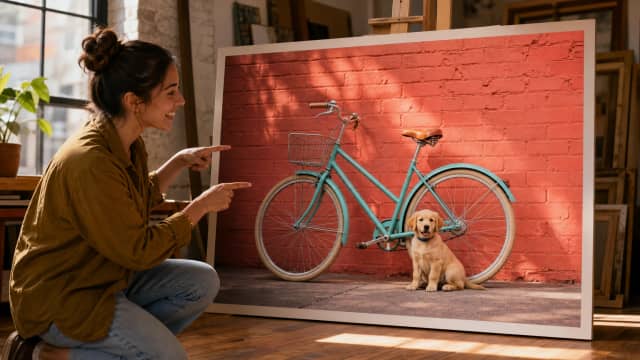
Photo Editing
Upload a photo and describe the change—recolor an object, add a companion, restyle the scene. The model edits your picture while following your instruction.
Multi-Image Composition
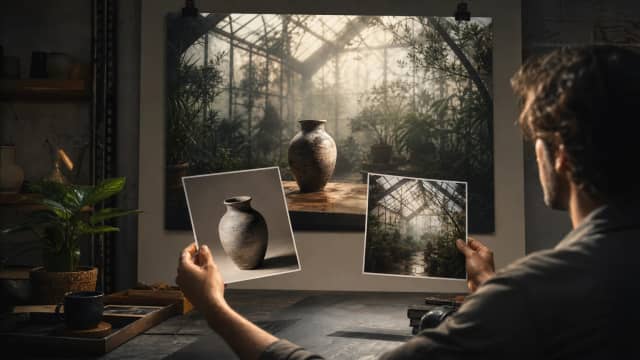
Attach up to 5 reference images in a single generation: place your product into a new scene, copy a style between pictures, or merge subjects from several photos.
Flash and Standard Versions
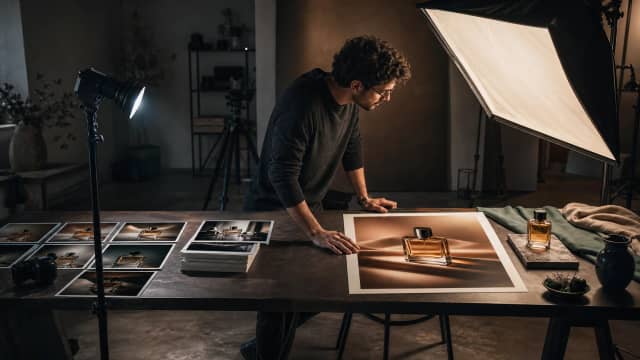
Two versions in one model: Flash generates quicker and cheaper for everyday work, while Standard pushes image quality further when the final result matters most.
13 Aspect Ratios Plus Auto
From square (1:1) to wide (21:9) and tall (9:21) frames, or let the model pick the best ratio from your prompt automatically.
Why Use MAI Image 2.6 on AI Effect
A modern image model with two speed-versus-quality versions on a flexible generation workflow—free trial credits, pay as you go, no subscription.

Two Versions, One Model
Pick Flash for quick, affordable everyday generation, or Standard for the highest image quality—switch anytime from a single dropdown.
Clean, Realistic Results
MAI Image 2.6 leans toward realistic lighting, materials, and detail—strong for lifestyle visuals, product shots, and portrait-style imagery.
Up to 5 Reference Images
Blend several references in one generation—combine a subject from one photo with a scene or style from others.
13 Aspect Ratios Plus Auto
Square, portrait, landscape, ultra-wide 21:9, ultra-tall 9:21, and more for text-to-image—or let the model pick the best frame. With reference images, the model matches your references’ framing instead.
1K and 2K Output
Choose 1K for quick drafts or 2K for sharper detail on larger formats—pick the resolution that matches your delivery.
No Subscription, Pay As You Go
Buy credits only when you generate. No monthly plan, no long-term commitment.
How to Use MAI Image 2.6 on AI Effect
Describe Your Image or Upload References
Write a prompt covering the subject, scene, and style you want—or upload up to 5 reference photos to edit or blend.
Pick a Version and Generate
Choose Flash for speed or Standard for maximum quality, select an aspect ratio and resolution, then start the generation.
Review and Download
Check the result, refine your prompt or references if needed, and download the final image for social media, ads, or your site.
FAQ
MAI Image 2.6 is a modern AI image model for text-to-image generation, photo editing, and multi-image composition. It ships in two versions—Flash for speed and Standard for quality—with the same feature set.
Both versions support the same inputs and controls. Flash generates quicker and costs fewer credits, with slightly lower fidelity; Standard takes a little longer and delivers higher image quality when the final result matters most.
Yes. You can start with free trial credits on AI Effect, then continue with pay-as-you-go credits. No subscription required.
You pay per image with credits. The Flash version costs 5 credits at 1K and 8 at 2K; Standard costs 7 at 1K and 14 at 2K. With reference images the model sets the output size and you are billed at the 1K rate. Sign-up includes free trial credits—no subscription.
Yes. Upload a photo and describe the change in natural language—a recolored object, an added element, a new style. The model follows your instruction while keeping the rest of the picture intact.
Up to 5 reference images in a single generation. Combine a subject from one photo with a scene or style from others.
13 ratios including square (1:1), portrait (2:3, 3:4, 9:16, 9:21), landscape (3:2, 4:3, 16:9, 21:9), wide (2:1) and tall (1:2) frames, plus an auto option that picks the best ratio from your prompt.
1K and 2K output resolutions for text-to-image. When you attach reference images, the model sets the output size to match your references—around one megapixel—so every edit keeps the right framing.
When editing or compositing with references, MAI Image 2.6 decides the output size itself based on your images. The controls step aside so what you see matches what you get, and generation is billed at the 1K rate.
Most images are ready within a couple of minutes—Flash is the faster of the two versions. You can keep working while your generations run.
No. AI Effect is pay as you go—generate with credits only when you need to. Free trial credits are included when you sign up.
It handles short in-image text such as titles and labels reasonably well. For text-heavy posters and typography-driven layouts, a model specialized in text rendering like FLUX 3 may be a better fit.
Social media posts, product shots, lifestyle visuals, photo retouching, style transfer between images, ad creatives, and web content.
All-in-One AI Creator for Images & Videos
Create images and videos from text, images, or clips with leading AI models. No subscription — just pay as you go with credits that never expire.
 GPT Image 2.0
 GPT Image 1.5
 Nano Banana 2.1Nano Banana 2Nano Banana 2 Lite
 Nano Banana Pro
 Veo 3.1Gemini Omni
 Seedance 2.5Seedance 2.0Seedance 2.0 Mini
 Seedream 5 LiteSeedream 5 Pro
 Seedance 1.5 Pro
 Grok Imagine 2.0Grok Imagine 1.5Grok Imagine
 Qwen2Qwen3
 Hailuo 2.3Minimax H3
 Kling 3.0Kling 2.6Kling O3
 Happyhorse 1.0Happyhorse 1.1
 Midjourney V8.2Midjourney V8.1Midjourney V7
 Pixverse v6
 Flux 2 ProFlux 3 VideoFlux 3 Image
 Mai Image 2.6
Start Creating with MAI Image 2.6
Generate images with Flash speed or Standard quality: text-to-image, photo editing, and multi-image composition with up to 5 references. Try MAI Image 2.6 free—no subscription, pay as you go.