

Editorial automotive poster with GPT image 1.5 on Chat GPT. Make yours with Prompt : ⤵️

Create new images, edit existing photos, change selected areas, add readable text, and generate transparent PNG assets with GPT Image 1.5 on AI Effect. New users get free trial credits to start creating. No subscription required.
GPT Image 1.5 helps you generate images from prompts, edit uploaded photos, refine specific areas, and create design-ready assets for content, e-commerce, marketing, and creative projects.
Describe your idea and generate a new image from scratch. Create product visuals, portraits, illustrations, social graphics, posters, thumbnails, and concept art.
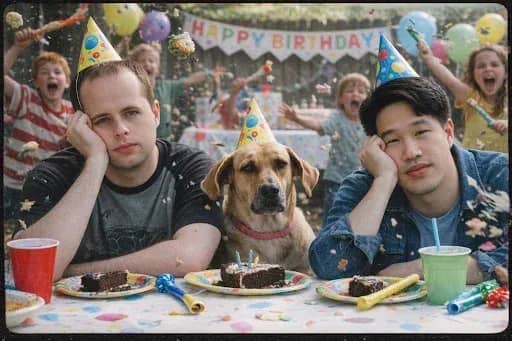
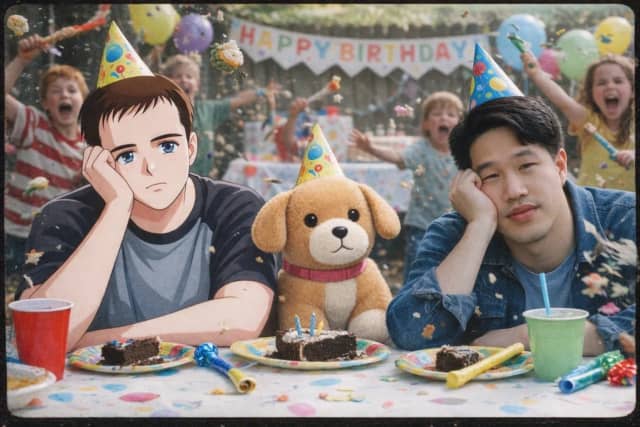
Upload a reference image and ask GPT Image 1.5 to adjust the style, background, object, clothing, lighting, or composition.
Change one part of an image while keeping the rest as consistent as possible. Useful for background edits, object replacement, outfit changes, and visual refinements.
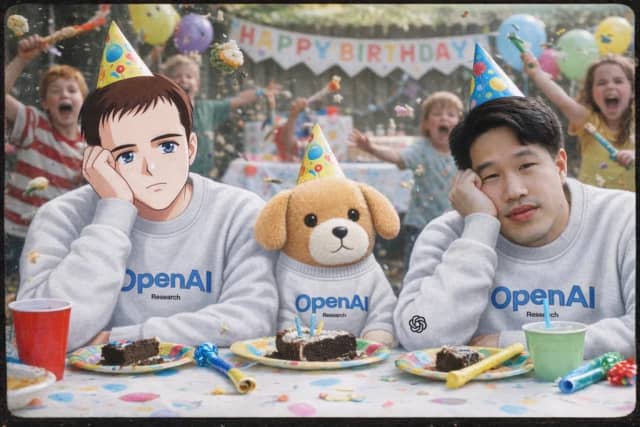
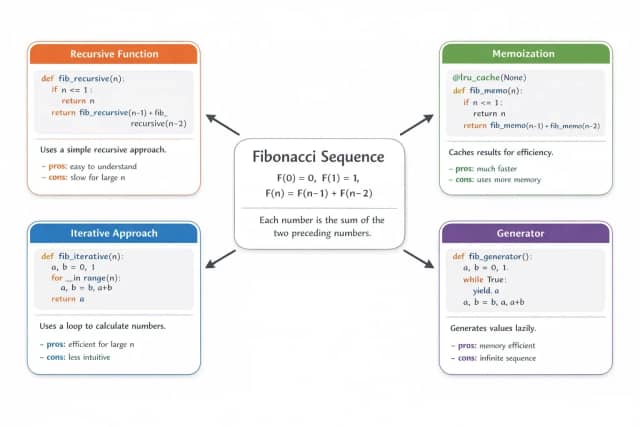
Create posters, labels, banners, thumbnails, and graphics with short text that is easier to use than older AI image models.
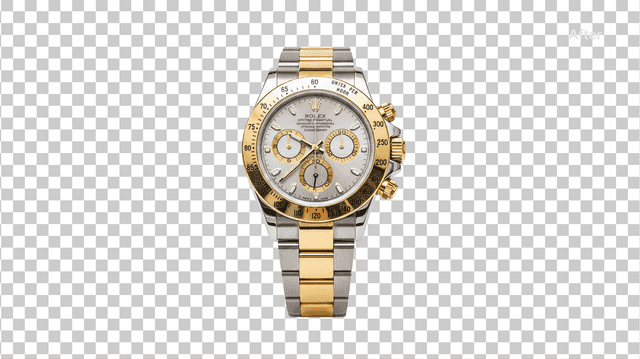
Generate stickers, product cutouts, icons, logos, and design assets with transparent backgrounds when supported by the output setting or prompt.
AI Effect gives you access to GPT Image 1.5 inside a flexible creative platform, so you can generate, edit, and refine images without another subscription.

Generate new visuals or edit uploaded images inside the same workflow. No need to move between multiple tools.
Adjust specific parts of an image instead of starting over every time. This helps reduce wasted generations and speeds up refinement.
GPT Image 1.5 is designed for more controllable image generation, making it useful for detailed prompts, visual refinements, and professional creative workflows.
Create image designs with short text, labels, headlines, or product messages. For best results, keep the wording clear and concise.
Create assets with transparent backgrounds for stickers, product cutouts, icons, web graphics, and design workflows.
New users can start with free trial credits. After that, use pay-as-you-go credits with no subscription required.
Editorial automotive poster with GPT image 1.5 on Chat GPT. Make yours with Prompt : ⤵️
Travel posters with GPT image 1.5 on @SocialSight Create yours with prompt : ⤵️

GPT Image 1.5 VS Nano Banana Pro 🔥 I ran the same prompt in Nano Banana 2 and ChatGPT Image 1.5 and here is the comparison. I have added the prompt as well if anyone wants to run it and test themselves. Left - Nano Banana 2 | Right - GPT Image 1.5 You be the judge.👇 Show more


Why GPT Image 1.5 Is a Game-Changer for Creators GPT Image 1.5 isn’t just generating images — it’s changing how creators work. ✅ Speed — Turn ideas into visuals in seconds, not hours. ✅ Creative Freedom — From thumbnails and posters to magazine covers and concept art ✅ Show more

Nano Banana Pro vs GPT Image 1.5 on @SocialSight Left Image is NB Pro Right GPT Image 1.5


Gpt image 1.5 at @SocialSight Prompt👇

Start from a text prompt, product photo, portrait, artwork, logo idea, or any image you want to edit.
Generate a new image, change the background, edit a selected area, add text, create a transparent PNG, or refine the existing design.
Review your result, make follow-up edits, create variations, and download the final image for your website, store, ad, or social post.
GPT Image 1.5 is an AI image generation and editing model that can create images from text prompts and work with uploaded image inputs. It is useful for image creation, image editing, text-based graphics, transparent assets, and visual design workflows.
Yes. You can upload an image and describe what you want to change, such as the background, object, clothing, lighting, style, or composition.
Yes. GPT Image 1.5 can be used for targeted image editing, where you describe the specific area you want to change while keeping the rest of the image as consistent as possible.
Yes. You can ask for transparent backgrounds when creating stickers, icons, product cutouts, logos, and design assets. This makes it useful for design, e-commerce, websites, and print-on-demand workflows.
GPT Image 1.5 is useful for designs that include short text, such as posters, labels, thumbnails, and social graphics. For best results, keep the wording short, clear, and easy to read.
You can create product images, ad creatives, social media graphics, posters, stickers, transparent PNG assets, character art, illustrations, thumbnails, and website visuals.
No. GPT Image 1.5 on AI Effect is designed for prompt-based image generation and editing. Describe what you want, upload a reference if needed, and generate the result.
AI Effect offers free trial credits for new users, so you can try GPT Image 1.5 before purchasing more credits. After the free credits are used, you can continue with pay-as-you-go pricing. No subscription is required.
Free trial credits are designed to help new users start creating, but they may not cover every model, every generation type, or heavy usage. Some advanced generations may require additional credits.
You can use generated images for many commercial workflows, such as marketing, e-commerce, and content creation, but you should avoid copyrighted characters, protected logos, celebrity likenesses, or brand assets you do not have rights to use.
Create images and videos from text, images, or clips with leading AI models. No subscription — just pay as you go with credits that never expire.
 GPT Image 2.0
 GPT Image 1.5
 Nano Banana 2Nano Banana 2 Lite
 Nano Banana Pro
 Veo 3.1Gemini Omni
 Seedance 2.5Seedance 2.0Seedance 2.0 Mini
 Seedream 5 LiteSeedream 5 Pro
 Seedance 1.5 Pro
 Grok Imagine 2.0Grok Imagine 1.5Grok Imagine
 Qwen2Qwen3
 Hailuo 2.3Minimax H3
 Kling 3.0Kling 2.6Kling O3
 Happyhorse 1.0Happyhorse 1.1
 Midjourney V7Midjourney V8.1
 Pixverse v6
 Flux 2 ProFlux 3 Video
Generate images, edit selected areas, add readable text, and create transparent PNG assets with GPT Image 1.5 on AI Effect


